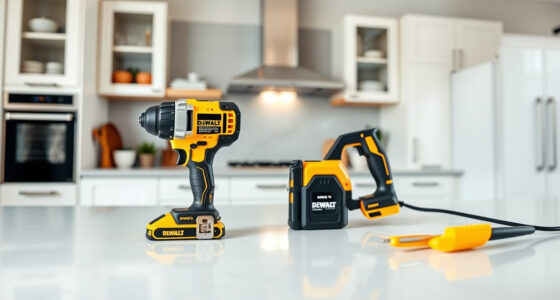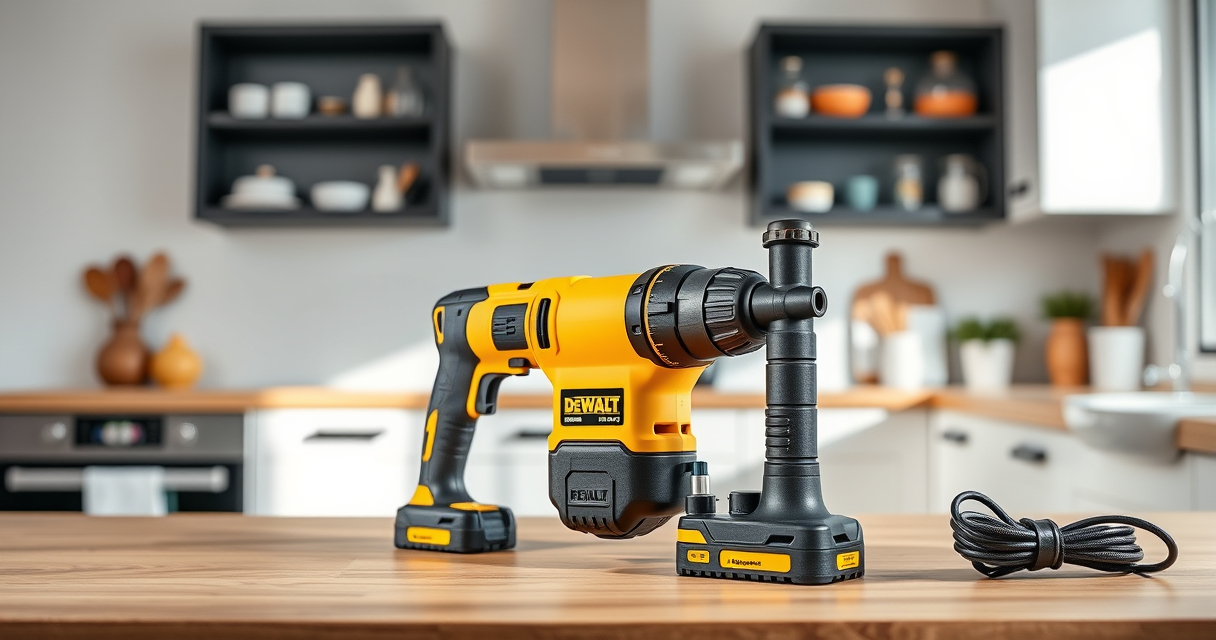

If your DEWALT cordless drill or other 20V MAX tools aren’t charging properly, it can halt your work. Understanding common causes and how to fix them ensures minimal downtime. This guide provides clear, safe, step-by-step instructions to troubleshoot and resolve charging issues with your DEWALT batteries.

Get tools and workshop supplies delivered free — and shop member deals
- Fast, free delivery on millions of items
- Access to Prime Big Deal Days deals on October 6–7
- Prime Video, Amazon Music and more included
Always prioritize safety and follow manufacturer instructions carefully when working with power tools and batteries.
Key Takeaways
| Battery Age | Older batteries may lose capacity and refuse to charge. |
| Charger Compatibility | Using the wrong charger or a damaged charger prevents proper charging. |
| Connection Issues | Dirty or loose contacts between the battery and charger can cause charging failures. |
| Battery Temperature | Batteries should be charged at room temperature; extreme cold or heat can inhibit charging. |
| Battery Damage | Physical or internal damage requires replacement. |
Check the Charger and Power Source
- Ensure the charger is plugged into a working outlet. Test with another device if unsure.
- Inspect the charger for any visible damage, such as frayed cords or burnt smell.
- Verify that the charger’s indicator lights turn on when connected to power.
- If using a power strip, try plugging directly into the wall outlet.
Inspect the Battery Contacts
- Remove the battery from the tool and charger.
- Clean the metal contacts on both the battery and the charger with a dry, soft cloth or a small brush.
- Ensure contacts are free of dirt, debris, or corrosion.
- Reattach the battery securely to the charger and see if charging begins.
Check the Battery Temperature and Age
Batteries should be charged at room temperature, ideally between 50°F and 77°F (10°C-25°C). If the battery feels hot or cold, move it to a warmer or cooler environment and wait at least 30 minutes before trying again.
If your battery is several years old or shows signs of damage, it may no longer hold a charge and might need replacing.
Test with a Known Good Battery or Charger
- If available, try charging a different, compatible DEWALT battery with your charger.
- If the known good battery charges, your original battery may be defective.
- Alternatively, test your battery on a different compatible charger to determine if the charger is faulty.
Replace Faulty Components or Battery
If all previous steps fail, consider replacing the battery or charger. For batteries, check if they are within warranty or need replacement due to age or damage. For chargers, contact DEWALT service or consider a replacement to ensure safety and compatibility.
The Products in This Guide

DEWALT 20V MAX Cordless Drill Driver Set
- ✔ Weight: 3.9 lbs
- ✔ LED Light: Yes
- ✔ Tool Length: 7.6 inches

DEWALT Drill Bit Set
- ✔ Application: Plastic, wood, metal
- ✔ Size Range: Various
- ✔ Web Design: Tapered
DEWALT 20V MAX Cordless Drill Driver Set
The DEWALT 20V MAX Cordless Drill Driver Set features a brushless motor for extended run time and durability. When batteries fail to charge, following proper troubleshooting steps can help restore their functionality.
Pros:
- Long-lasting 2.0 Ah batteries
- Includes charger for convenience
- Lightweight and ergonomic design
- Suitable for tight spaces
Cons:
- Battery age affects performance
- Charger may fail over time
- Battery can be damaged if mishandled
Best for: DIY enthusiasts and professionals needing reliable cordless power
Not ideal for: If batteries are physically damaged or very old, replacement is recommended
Bottom line: Proper maintenance and troubleshooting can extend your battery’s lifespan and ensure safe operation.
DEWALT Drill Bit Set
Complement your DEWALT drill with this 14-piece bit set, featuring high-speed steel and a 135-degree split point for precise drilling into plastic, wood, and metal.
Pros:
- Durable high-speed steel
- Reduced walking with split point
- Easy size identification
- Rust-resistant coating
Cons:
- Limited to specific bit sizes
- No case included
- Heavy-duty use may wear bits faster
Best for: General-purpose drilling and fastening tasks
Not ideal for: Professional heavy-duty industrial use
Bottom line: A reliable addition to any DIY or professional toolkit for versatile drilling needs.
Frequently Asked Questions
How do I know if my DEWALT battery is completely drained?
Check the LED indicator on the battery or charger. If no lights appear, or if the battery is unresponsive after charging, it may be fully drained or faulty.
Can I leave my DEWALT battery on the charger indefinitely?
It is best to remove the battery once fully charged. Overcharging can potentially reduce battery lifespan, although modern chargers are designed to prevent this.
What should I do if my battery gets hot during charging?
Remove the battery immediately and allow it to cool in a well-ventilated area. Do not attempt to recharge until it has cooled, as excess heat can damage the battery.
Are all DEWALT chargers compatible with all 20V MAX batteries?
Most DEWALT chargers are compatible with the 20V MAX batteries, but always verify compatibility with your specific model to ensure safe and proper charging.
Keep Your DEWALT Power Ready for Any Job
By following these troubleshooting steps, you can resolve most issues with your DEWALT battery charging problems. Regular maintenance, proper storage, and timely battery replacement help keep your tools performing at their best, ensuring you stay productive on every project.
Affiliate disclosure: As an Amazon Associate we earn from qualifying purchases. Prices and availability are accurate as of the time of publishing.
Fall Picks
fall essentials
As an affiliate, we earn on qualifying purchases.