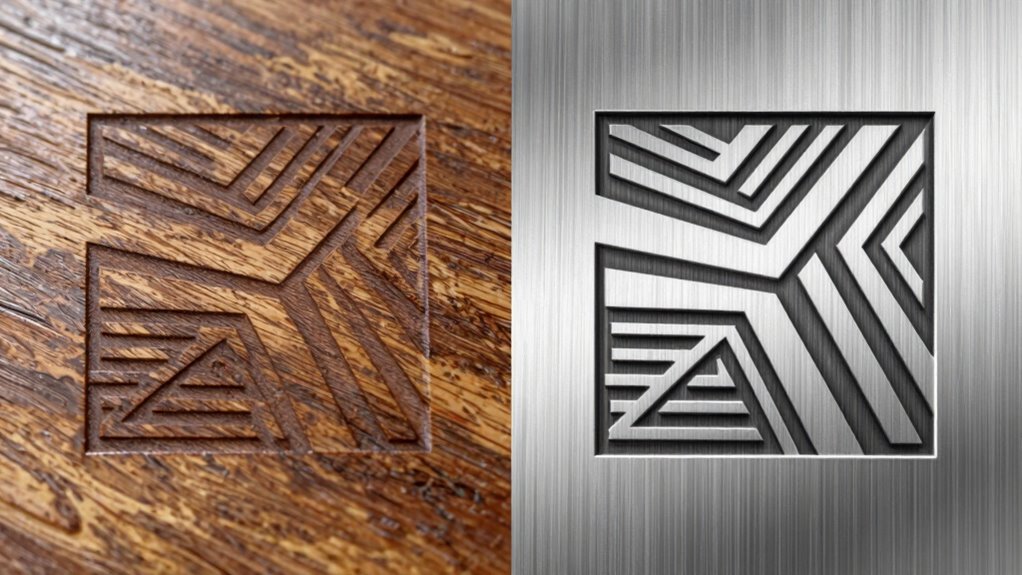

When you’re deciding between raster and vector engraving, it’s essential to know their differences. Raster uses pixels, making it great for photos but can lose clarity when enlarged. On the other hand, vector graphics are scalable and ideal for sharp designs like logos and text. Each method interacts differently with materials, affecting depth and detail. Choosing the right format based on your project can make a significant difference. Stick around to discover more about optimizing your engraving results!

Get business pricing on tools and workshop supplies
- Business-only prices and quantity discounts
- Tax-exempt purchasing
- Multiple users, one account, clear invoices
Key Takeaways
- Raster engraving relies on pixels, making it ideal for complex images but prone to pixelation when enlarged.
- Vector engraving uses mathematical equations, ensuring scalability and sharpness, perfect for logos and text.
- Material compatibility is crucial; wood suits raster techniques, while metal benefits from the precision of vector graphics.
- Raster typically results in shallower depths, whereas vector engraving achieves more consistent depth across designs.
- High-resolution images are essential for raster engravings, while vector graphics require less processing time for complex projects.
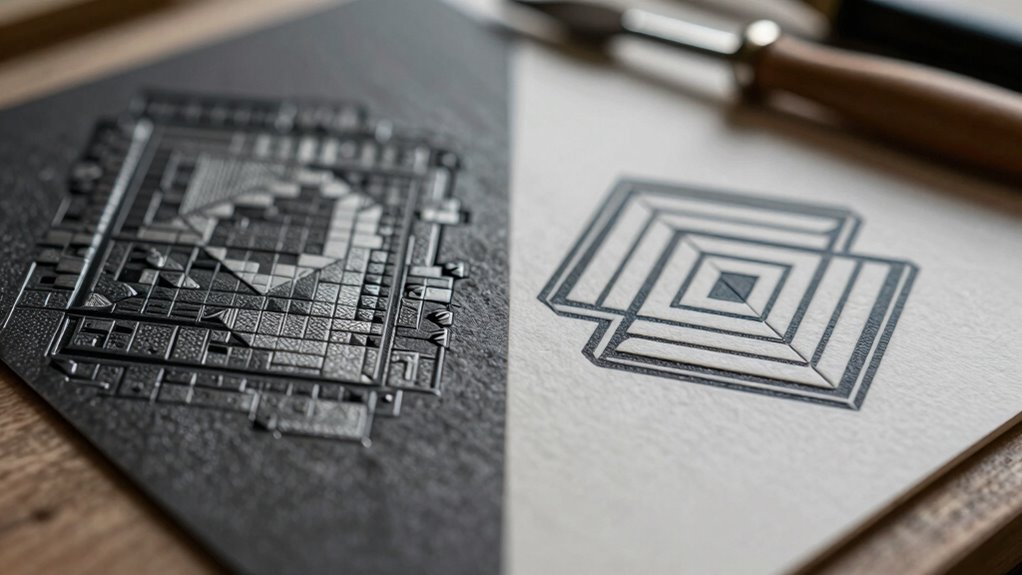
When you’re diving into the world of engraving, it’s essential to understand the differences between raster and vector methods. These two techniques shape your projects in fundamentally different ways, impacting everything from image resolution to engraving depth. If you want to achieve the best results, knowing which method to use for your specific design is vital.
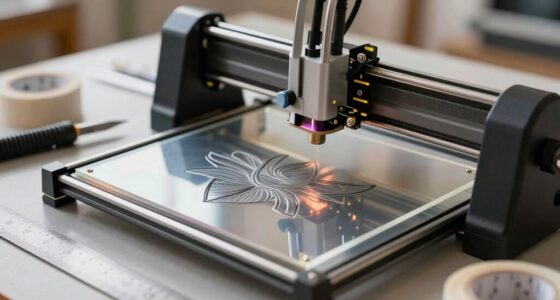
Raster images are made up of pixels, creating a grid that represents the image. This means that when you enlarge a raster image, you might notice a loss of clarity, leading to a pixelated appearance. If you’re working with photographs or complex images, raster might be your go-to choice. However, keep in mind that the quality of your engraving will heavily depend on the original image resolution. High-resolution images yield better results, but they also require more processing power and may take longer to engrave. image resolution plays a crucial role in determining the level of detail and clarity in your final product. Ensuring your images are properly optimized can improve your engravings significantly.
Raster images consist of pixels, which can lead to pixelation when enlarged. High-resolution images are essential for quality engravings.
On the other hand, vector graphics are constructed using mathematical equations, allowing them to scale without losing quality. This makes vectors ideal for logos, text, and designs that need to maintain sharpness at different sizes. When you’re using design software to create your engravings, opting for vector graphics can simplify the process, especially if you’re aiming for clean lines and precise cuts. Additionally, vectors are often easier to edit and manipulate, saving you time during the design process. Understanding design flexibility in vector graphics can help you create more dynamic and adaptable projects. Moreover, vectors typically require less processing time, which can be beneficial for large or complex projects.
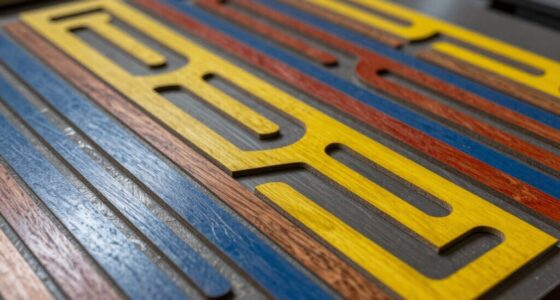
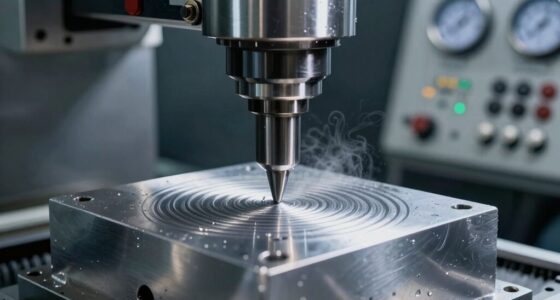
Material compatibility plays a significant role in your choice, too. Some materials react differently to raster and vector engraving techniques. For instance, wood might show off the details of a raster design beautifully, while metal could benefit from the precision of vector graphics. Understanding how different materials interact with these techniques helps you select the right approach for your projects. This knowledge allows you to optimize your settings and avoid potential issues like charring or uneven engraving. Knowing material behavior in relation to engraving methods enables you to tailor your process for optimal results.
Engraving depth also varies between raster and vector methods. Raster engraving often results in a shallower depth due to the way the machine processes the image, while vector engraving can achieve more consistent depth across the design. This distinction might impact how your finished product looks and feels, so be sure to take it into account in your planning. Moreover, adjusting engraving parameters such as speed and power can optimize the outcome for each technique, ensuring the best quality. Experimenting with these settings is key to achieving professional results.
laser engraving machine for wood
As an affiliate, we earn on qualifying purchases.
As an affiliate, we earn on qualifying purchases.
Frequently Asked Questions
What Materials Are Best Suited for Raster Engraving?
For raster engraving, wood materials like plywood and hardwoods work great, giving you beautiful detail. Metal surfaces, especially anodized aluminum, respond well too, creating sharp contrasts. When using acrylic types, opt for cast acrylic for vibrant results, while fabric options like cotton or canvas can offer unique textures. Each material brings its own charm, so experiment to find what suits your project best. You’ll love the results you achieve!
Can I Convert Vector Files to Raster Format?
Absolutely, you can convert vector files to raster format! Isn’t it great how flexible digital design can be? Just remember, when you do a file conversion, the image quality might change. Vectors maintain sharpness at any size, while rasters can become pixelated if you scale them up too much. So, if you need a high-quality image for printing or engraving, make sure to choose the right resolution during conversion to keep it looking sharp!
How Do I Choose Between Raster and Vector Engraving?
To choose between raster and vector engraving, consider your design’s details and the desired engraving speed. If you’ve intricate images or gradients, raster’s better for capturing those nuances. However, if you need sharp lines and fast processing, vector’s the way to go. Think about the material too; some surfaces work better with one method over the other. Ultimately, aligning your design considerations with your project goals will guide your decision effectively.
What Software Is Recommended for Creating Vector Designs?
Choosing the right design software for vector graphics is like finding the perfect canvas for your masterpiece. Adobe Illustrator stands out with its powerful tools and flexibility, making it great for intricate designs. CorelDRAW is another solid option, especially if you prefer a user-friendly interface. Inkscape, a free alternative, also packs a punch for creating stunning vector art. Whichever you choose, you’ll release your creativity and bring your ideas to life!
How Does Engraving Depth Differ Between Raster and Vector Methods?
Engraving depth varies considerably between raster and vector techniques. With raster engraving, you typically achieve shallower depths as the process involves burning away material in a pixelated manner. In contrast, vector engraving allows for deeper cuts since it follows precise paths, removing material more efficiently. This depth variation impacts the final appearance of your design, so knowing which technique to use can help you achieve the desired results.
As an affiliate, we earn on qualifying purchases.
Conclusion
In the end, you might think it’s all about choosing between raster and vector engraving, but isn’t it ironic that the real choice lies in understanding how each one impacts your project? You could go for the flashy raster approach, only to discover it lacks the precision you need. Or you might favor vector for its sharp lines, yet miss out on the rich detail that raster offers. Sometimes, the best results come from knowing when to embrace both.
As an affiliate, we earn on qualifying purchases.
As an affiliate, we earn on qualifying purchases.
Fall yard work Picks
leaf blowers
As an affiliate, we earn on qualifying purchases.