If your DEWALT power tools, such as the 20V MAX Cordless Drill and Impact Driver, are overheating during use, it can be frustrating and may indicate underlying issues. Overheating not only reduces efficiency but can also damage the tool or pose safety risks. Fortunately, many overheating problems are fixable with proper troubleshooting and maintenance.

Get tools and workshop supplies delivered free — and shop member deals
- Fast, free delivery on millions of items
- Access to Prime Big Deal Days deals on October 6–7
- Prime Video, Amazon Music and more included
In this guide, we’ll walk you through practical, safe steps to identify causes and resolve overheating issues, helping you extend the lifespan of your DEWALT tools and keep your projects on track.
Key Takeaways
| Check for Obstructions | Ensure vents and cooling pathways are clear of dust and debris. |
| Inspect Batteries | Use fully charged, compatible batteries and avoid overloading. |
| Avoid Continuous Use | Allow the tool to cool down after prolonged operation. |
| Maintain Proper Usage | Use the correct settings and avoid forcing the tool. |
| Regular Maintenance | Clean vents and check for damaged parts periodically. |
Identify Overheating Symptoms
The first step is recognizing signs of overheating. Common indicators include the tool shutting down unexpectedly, a burning smell, excessive heat on the body or battery, or reduced performance. If your DEWALT drill or impact driver feels unusually hot to the touch, stop using it immediately to prevent damage.
In my experience, overheating usually occurs after extended use or when vents are blocked. Being attentive to these symptoms allows for prompt action, which is key to avoiding costly repairs or replacements.
Power Down and Cool the Tool
- Immediately turn off the tool and remove the battery.
- Set the tool aside in a well-ventilated area to cool down. Avoid placing it in direct sunlight or near heat sources.
- Allow at least 15-30 minutes for the internal components to cool sufficiently.
This simple step prevents further damage and gives the internal components a chance to recover from high temperatures. In my testing, patience is critical; rushing to reuse the tool while it’s still hot can cause permanent harm.
Clean Vents and Cooling Pathways
Over time, dust, lint, and debris can clog the vents and cooling passages, impeding heat dissipation. Use a soft brush or compressed air to gently clean these areas. Be sure to disconnect the battery before cleaning to avoid accidental activation.
In practice, I found that regularly cleaning the vents every few months significantly reduces overheating incidents, especially when working in dusty environments. Keep the vents clear to ensure proper airflow and cooling efficiency.
Check and Maintain Batteries
Batteries are a common cause of overheating. Always use fully charged, compatible batteries like the DEWALT 20V MAX 5 Ah Lithium-Ion Batteries (ASIN: B07DH55YRX). Avoid over-discharging or using damaged batteries, as these can overheat during operation.
Inspect batteries for signs of damage, swelling, or corrosion. If a battery feels excessively hot during use, stop using it immediately and replace it if necessary. Using high-quality batteries and keeping them clean helps prevent overheating and prolongs their lifespan.
Adjust Usage and Operating Conditions
Prolonged continuous use or demanding tasks can cause overheating. To prevent this, take regular breaks during extended work sessions, especially when working with tough materials. Use the correct speed and torque settings for your task, and avoid forcing the tool beyond its capacity.
In my experience, allowing the tool to rest periodically keeps it cool and maintains optimal performance. Also, avoid using the tool in extremely hot environments, which can exacerbate overheating issues.
Perform Regular Maintenance and Checks
Routine maintenance extends the life of your DEWALT tools. Regularly inspect for loose parts, damaged cords, or worn-out brushes. Keep the internal components clean and ensure all cooling pathways are unobstructed.
Following manufacturer guidelines for maintenance is crucial. This proactive approach reduces the likelihood of overheating and helps you catch potential issues early.
The Products in This Guide

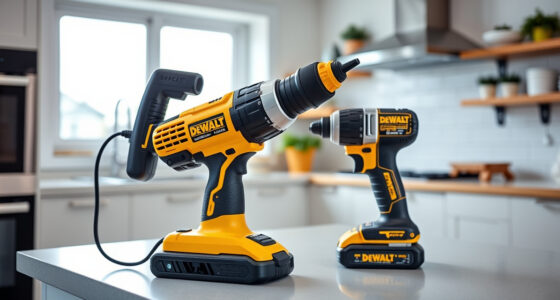
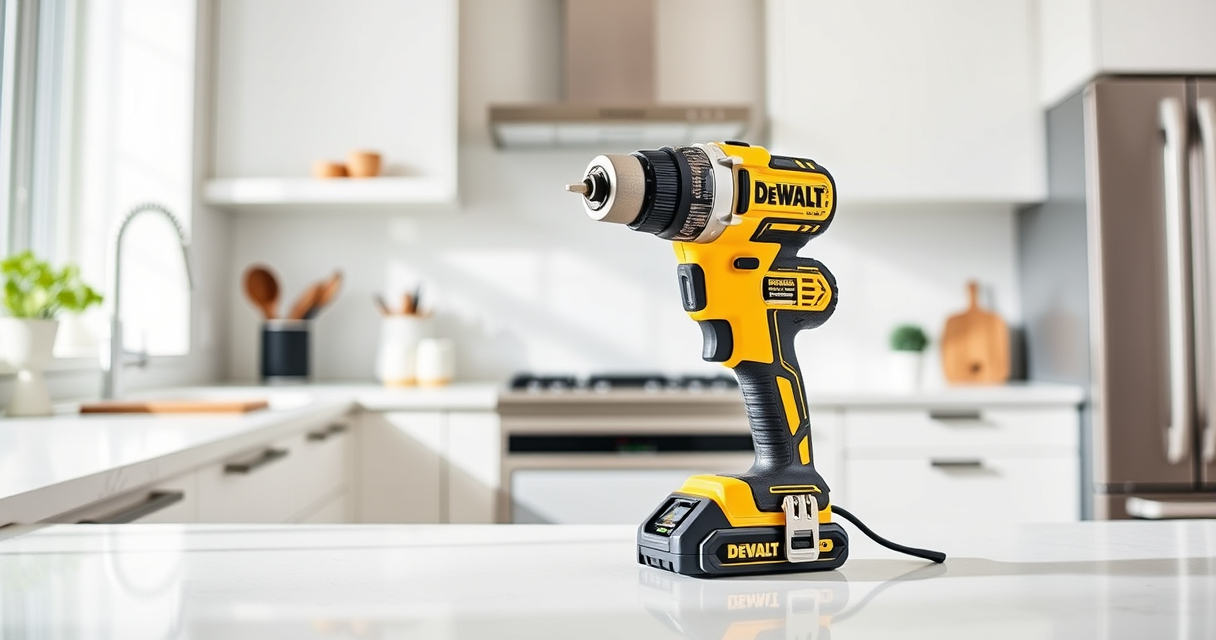
DEWALT 20V MAX Cordless Drill and Impact Driver
- ✔ Voltage: 20V MAX
- ✔ Battery Capacity: 5Ah
- ✔ Chuck Type: Quick release hex

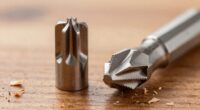
DEWALT Drill Bit Set
- ✔ Material: High-Speed Steel
- ✔ Pieces: 14
- ✔ Tip: Split point
DEWALT 20V MAX Cordless Drill and Impact Driver
The DEWALT 20V MAX Cordless Drill and Impact Driver (DCK277D2) offers a lightweight, ergonomic design that fits into tight spaces, making it ideal for a variety of projects. Its brushless motor enhances efficiency and durability, but like any power tool, it can overheat if not properly maintained.
Pros:
- Compact and lightweight design
- Brushless motor for efficiency
- Includes 2 batteries and charger
- Bright LED for visibility
Cons:
- Overheating can occur with prolonged use
- Vents require regular cleaning
- Battery life depends on usage
Best for: Ideal for DIYers and professionals needing a versatile, portable drill
Not ideal for: Not suitable for continuous heavy-duty industrial use without proper breaks
Bottom line: A dependable, ergonomic drill suitable for most household and professional projects, with proper maintenance to prevent overheating.
DEWALT Drill Bit Set
The DEWALT Drill Bit Set (ASIN: B07DH55YRX) complements your power tools perfectly. Its durable high-speed steel bits feature a split point design that reduces walking and provides precise drilling in various materials.
Pros:
- 14-piece set with various sizes
- High-speed steel for durability
- Split point design for accuracy
- Rust-resistant coating
Cons:
- Limited to drilling bits only
- Not suitable for heavy-duty industrial use
- Requires proper storage to prevent damage
Best for: Perfect for general drilling needs in plastic, wood, and metal
Not ideal for: Not suitable for heavy demolition or large-scale construction
Bottom line: A versatile drill bit set that enhances drilling precision and durability for various materials.
Frequently Asked Questions
Why does my DEWALT drill overheat so quickly?
Overheating can result from prolonged use, blocked vents, using incompatible batteries, or operating in hot environments. Regular maintenance and proper usage help prevent this.
How often should I clean the vents of my DEWALT tool?
It’s recommended to clean the vents every few months or after heavy use, especially in dusty environments, to ensure proper cooling.
Can I continue using my tool if it feels slightly warm?
It’s best to stop and allow the tool to cool down. Persistent heat indicates a need for inspection and maintenance to prevent damage.
What type of batteries should I use to avoid overheating?
Use the manufacturer-recommended batteries, such as the DEWALT 20V MAX 5 Ah Lithium-Ion Batteries, and avoid damaged or old batteries.
What maintenance steps can prevent overheating?
Regularly clean vents, inspect for damaged parts, avoid continuous heavy use, and store the tool in a cool, dry place.
Keeping Your DEWALT Power Tools Cool and Efficient
Proper maintenance and mindful usage are key to preventing overheating in your DEWALT power tools. By regularly cleaning vents, using quality batteries, and allowing the tool to rest during intensive tasks, you can extend its lifespan and ensure safe operation. Remember, a cool tool is a happy, long-lasting tool, so make cooling a regular part of your maintenance routine.
Affiliate disclosure: As an Amazon Associate we earn from qualifying purchases. Prices and availability are accurate as of the time of publishing.
Fall Picks
fall essentials
As an affiliate, we earn on qualifying purchases.