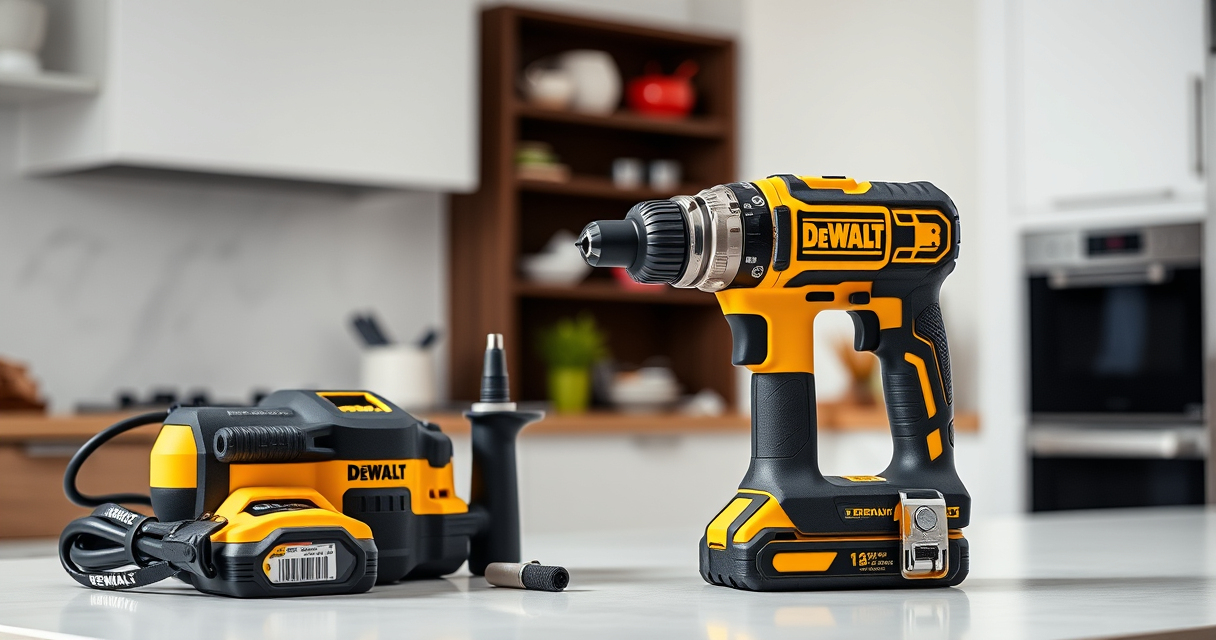

If your DEWALT cordless drill isn’t charging properly, it can be frustrating and halt your work. This guide offers simple, step-by-step troubleshooting methods to help you identify and resolve common charging issues, ensuring your tool is ready for action.

Get business pricing on tools and workshop supplies
- Business-only prices and quantity discounts
- Tax-exempt purchasing
- Multiple users, one account, clear invoices
Always prioritize safety when working with batteries and electrical components. Follow each step carefully and consult your user manual if needed.
Key Takeaways
| Check the battery connection | Ensure the battery is properly seated in the charger. |
| Inspect the charger and cord | Look for damage or debris that might interfere with charging. |
| Test the power source | Verify the outlet is working using another device. |
| Evaluate the battery health | Determine if the battery is old, damaged, or needs replacement. |
| Reset or replace components | Try resetting the charger or replacing the battery if necessary. |
Verify the Battery Seating
- Remove the battery from the drill or tool.
- Inspect the contacts on both the battery and the tool for dirt, corrosion, or debris.
- Reinsert the battery firmly into the charger, ensuring it clicks into place.
Inspect the Charger and Power Cord
- Check for visible damage, frayed wires, or bent prongs on the charger and cord.
- Clean the charging contacts gently with a dry cloth if dirty.
- Try plugging the charger into a different outlet to rule out power issues.
Test the Power Source
Plug another device into the outlet to confirm it supplies power. If the outlet isn’t working, try a different outlet or reset your circuit breaker.
Evaluate the Battery Condition
If your battery is old or has been heavily used, it may no longer hold a charge. Try charging a known good battery or test your battery with a compatible charger.
Reset and Replace if Necessary
- Disconnect the charger from power and remove the battery.
- Wait 10-15 seconds, then reconnect everything.
- If the battery still won’t charge, consider replacing it with a new one, especially if it shows signs of damage or no charge after multiple attempts.
The Products in This Guide

DEWALT 20V MAX Cordless Drill Driver Set
- ✔ Max Torque: 340 UWO
- ✔ Speed Settings: 2
- ✔ Included Battery: Yes

DEWALT Drill Bit Set
- ✔ Tip Type: Split Point
- ✔ Suitable Materials: Plastic, Wood, Metal
- ✔ Web Design: Tapered
DEWALT 20V MAX Cordless Drill Driver Set
The DEWALT 20V MAX Cordless Drill Driver Set is a reliable, lightweight, and powerful tool suitable for a wide range of applications. Its brushless motor provides more run time, making it a favorite among DIYers and professionals alike.
Pros:
- Brushless motor for efficiency
- Compact and lightweight design
- LED light for visibility
- 2-speed transmission for versatility
Cons:
- Battery life may vary with intensive use
- Charging issues can affect productivity
Best for: General-purpose drilling and fastening in tight spaces
Not ideal for: Heavy-duty industrial applications requiring higher torque
Bottom line: A versatile and efficient drill perfect for a variety of tasks.
DEWALT Drill Bit Set
This DEWALT Drill Bit Set offers durability and precision for drilling into plastic, wood, and metal. It complements your drill by providing reliable performance across various projects.
Pros:
- High-speed steel for durability
- Split point design reduces walking
- Includes multiple sizes
- Rust-resistant coating
Cons:
- Only for use with drills
- Limited to drill bit applications
Best for: Versatile drilling in different materials
Not ideal for: Heavy-duty industrial drilling
Bottom line: A reliable drill bit set for everyday drilling needs.
Frequently Asked Questions
Why isn’t my DEWALT battery charging?
Common reasons include poor contact between the battery and charger, damaged charger or cord, a faulty outlet, or an aging battery that no longer holds a charge. Follow the troubleshooting steps outlined above to diagnose the issue.
How do I know if my battery is dead?
If the battery doesn’t charge after trying different outlets and cleaning contacts, and if it shows no signs of life or reduces quickly after a full charge, it may need replacing.
Can I use a different battery with my DEWALT charger?
Only use compatible DEWALT batteries designed for your specific model to ensure safety and proper charging. Check the model number and specifications before mixing batteries.
How often should I replace my DEWALT batteries?
Battery lifespan depends on usage and care. Typically, batteries last 3-5 years or around 300-500 charge cycles. Replace if they no longer hold a charge or show signs of damage.
Keep Your DEWALT Tools Running Smoothly
Regular maintenance and proper handling can extend the life of your DEWALT power tools and batteries. By following these troubleshooting steps, you can quickly identify and resolve charging issues, minimizing downtime and keeping your projects on track.
Affiliate disclosure: As an Amazon Associate we earn from qualifying purchases. Prices and availability are accurate as of the time of publishing.
Columbus Day / Indigenous Peoples' Day Picks
long weekend sales
As an affiliate, we earn on qualifying purchases.