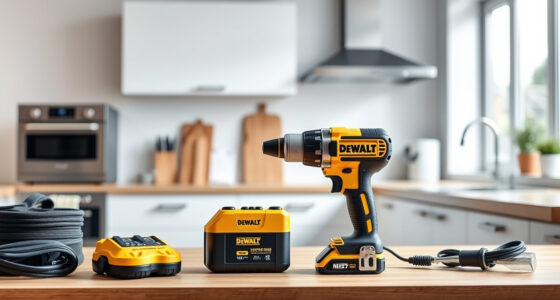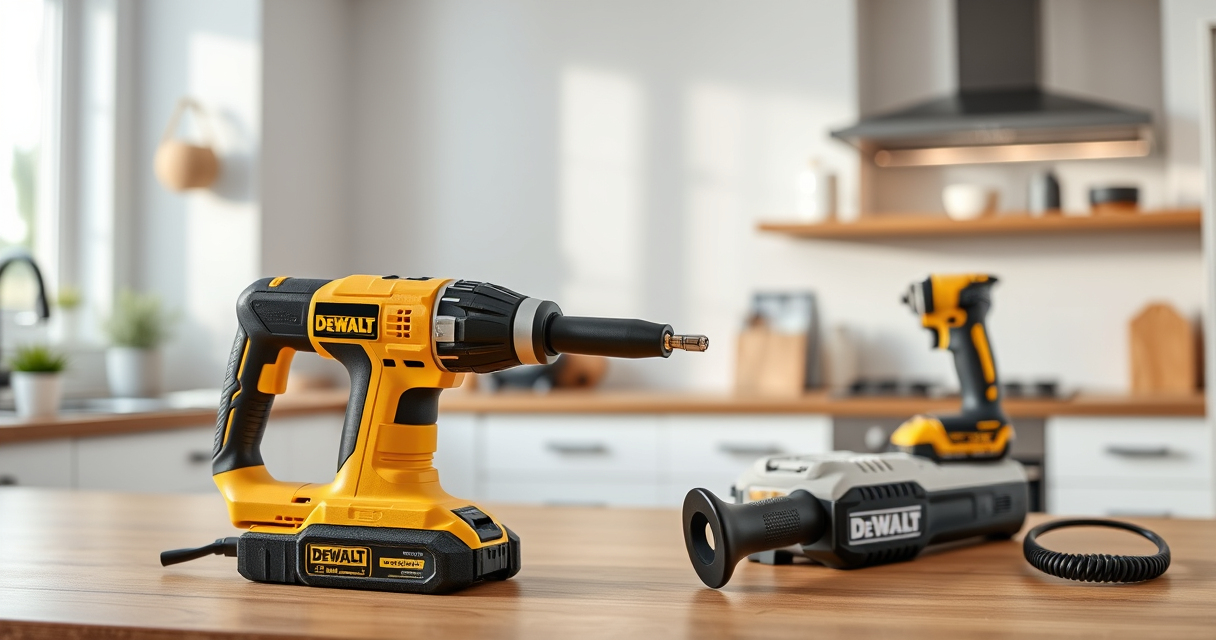
Maintaining your DEWALT power tools is crucial for ensuring their longevity, performance, and safety. Proper upkeep helps prevent unexpected breakdowns, extends the lifespan of your investment, and keeps your tools ready for any project. Whether you’re a professional contractor or a DIY enthusiast, understanding the basic maintenance routines and troubleshooting common problems can save you time and money.

Get business pricing on tools and workshop supplies
- Business-only prices and quantity discounts
- Tax-exempt purchasing
- Multiple users, one account, clear invoices
This guide provides step-by-step instructions for maintaining your DEWALT tools, focusing on the popular DEWALT 20V MAX Cordless Drill and Impact Driver. You’ll learn how to clean, inspect, troubleshoot, and optimize your tools for peak performance, with practical tips and safety warnings along the way.
Key Takeaways
| Regular cleaning extends lifespan | Clean your tools after each use to prevent dust and debris buildup. |
| Battery care is key | Properly charge and store batteries to maximize their life and performance. |
| Inspect for damage | Regularly check for wear or damage to parts like bits, chucks, and cords. |
| Proper storage prevents issues | Store tools in a dry, clean place to avoid rust and corrosion. |
| Troubleshoot early | Identify and fix problems promptly to prevent further damage. |
Initial Inspection and Cleaning
- Power off and unplug your DEWALT tool or remove the battery before starting any maintenance.
- Use a dry brush or compressed air to remove dust, debris, and sawdust from vents, switches, and moving parts.
- Wipe the exterior with a clean, damp cloth; avoid harsh chemicals that could damage plastic or rubber parts.
- Inspect the chuck, blades, or bits for rust, wear, or damage. Replace if necessary.
- Check the power cord (if corded) for cuts or frays and replace if damaged.
Consistent cleaning prevents dust from affecting motor performance and reduces the risk of overheating. Always ensure the tool is completely dry before reassembling or plugging in.
Battery Maintenance and Storage
- Charge your DEWALT batteries using the original charger, following the manufacturer’s instructions.
- Avoid overcharging; unplug the charger once the battery reaches full capacity.
- Store batteries in a cool, dry place, ideally at around 50% charge if not in use for extended periods.
- Regularly check the LED fuel gauges on the batteries to monitor charge levels.
- When not in use, remove batteries from tools to prevent accidental discharges and corrosion.
Proper battery care ensures longer runtime and preserves battery health. Never expose batteries to extreme temperatures or moisture.
Changing Bits and Adjusting Components
- Remove the battery from the tool before changing bits for safety.
- Loosen the quick-release hex chuck by rotating it counterclockwise; insert the new bit, then tighten securely.
- Check that the bit is properly seated and locked before use.
- Adjust the clutch or torque settings if your model offers this feature, following the user manual.
- Inspect the chuck regularly for wear or damage, replacing if it becomes loose or jammed.
Using the correct bits and maintaining a secure grip ensures precise work and reduces wear on the chuck and motor.
Troubleshooting Common Issues
- Tool not starting: Check if the battery is fully charged and properly inserted. Reset the tool by removing and reinserting the battery.
- Reduced power or overheating: Clean vents and cooling fins, and allow the tool to cool down. Replace worn brushes if applicable.
- Bits slipping or chuck jamming: Clean the chuck and bits. Replace damaged bits or worn-out chucks.
- Battery not charging: Confirm the charger is functioning. Test with another battery or replace the charger if necessary.
- Unusual noise or vibration: Stop use immediately, inspect for debris or damage, and replace worn parts.
Address issues promptly to prevent further damage. Always refer to the user manual for specific troubleshooting steps.
Safety Tips and Best Practices
- Always wear safety goggles and gloves when maintaining or using power tools.
- Disconnect power sources before cleaning or replacing parts.
- Work in a well-ventilated area to avoid dust inhalation.
- Follow manufacturer instructions for battery charging and storage.
- Inspect tools regularly for damage and replace worn or broken parts immediately.
Proper safety precautions help prevent injuries and prolong the life of your tools.
The Products in This Guide

DEWALT 20V MAX Cordless Drill and Impact Driver
- ✔ Battery Capacity: 2 x 20V MAX 5Ah
- ✔ Charger: Included
- ✔ Tool Length: 7.6 inches

DEWALT Drill Bit Set
- ✔ Number of Bits: 14
- ✔ Tip Type: Split point
- ✔ Material: High-Speed Steel
DEWALT 20V MAX Cordless Drill and Impact Driver
The DEWALT 20V MAX Cordless Drill and Impact Driver set combines power, portability, and durability. Its brushless motor ensures efficiency, while the compact design makes it suitable for tight spaces. Regular maintenance is essential to keep it performing at its best.
Pros:
- Brushless motor for efficiency
- Compact and lightweight design
- Includes 2 batteries and charger
- Ergonomic grip for comfort
Cons:
- Battery life may vary with heavy use
- Chucks may wear over time
- No corded backup option
Best for: Home improvement projects, furniture assembly, electrical work
Not ideal for: Heavy-duty industrial applications, extended continuous use
Bottom line: A versatile and reliable cordless drill set suitable for a wide range of projects, with regular maintenance to ensure optimal performance.
DEWALT Drill Bit Set
Pair your DEWALT drill with this 14-piece drill bit set featuring 135-degree split point tips. It’s designed for durability across plastics, wood, and metal, making it a great addition to your toolkit.
Pros:
- Durable High-Speed Steel
- Corrosion-resistant coating
- Easy size identification
- Split point reduces walking
Cons:
- Limited to certain materials
- Does not include specialized bits
- Size range may not cover all needs
Best for: General drilling tasks in various materials
Not ideal for: Heavy industrial drilling or specialized applications
Bottom line: A reliable drill bit set that enhances your DEWALT drill’s versatility with durable, high-performance bits.
Frequently Asked Questions
How often should I clean my DEWALT power tools?
It’s best to clean your tools after every use to prevent dust and debris buildup, which can affect performance and cause overheating.
Can I use any batteries with my DEWALT tools?
Only DEWALT 20V MAX Lithium-Ion batteries are compatible. Using other batteries can damage the tool and void the warranty.
What should I do if my drill’s chuck is jammed?
Remove the battery, inspect the chuck for debris or damage, clean it with a brush, and ensure the bit is properly seated. Replace if necessary.
How do I troubleshoot a battery that won’t charge?
Check the charger for any visible damage, try charging a different battery, and ensure the charger is plugged into a working outlet. Replace the charger if needed.
Is it safe to store batteries in the tool when not in use?
It’s recommended to remove batteries from tools and store them in a cool, dry place to prevent accidental discharges and prolong battery life.
Keeping Your DEWALT Tools in Prime Condition
Regular maintenance and troubleshooting are essential for maintaining the performance and safety of your DEWALT power tools. By following the steps outlined in this guide, you can prevent common issues, extend the lifespan of your tools, and ensure they operate efficiently whenever you need them. Remember, safety always comes first—wear protective gear and disconnect power sources before servicing your tools. With proper care, your DEWALT tools will remain reliable partners for all your projects for years to come.
Affiliate disclosure: As an Amazon Associate we earn from qualifying purchases. Prices and availability are accurate as of the time of publishing.
Halloween Picks
halloween
As an affiliate, we earn on qualifying purchases.