CAD, CAM, and control software each serve unique roles in manufacturing. CAD helps you create detailed 2D and 3D models, making design changes easy. CAM translates those models into manufacturing instructions, optimizing efficiency and resource use. Control software then manages the machines, ensuring precision during production. Together, they streamline the workflow and enhance collaboration. If you’re curious about how they integrate to boost productivity even further, keep exploring the details!

Get business pricing on tools and workshop supplies
- Business-only prices and quantity discounts
- Tax-exempt purchasing
- Multiple users, one account, clear invoices
Key Takeaways
- CAD focuses on creating detailed 2D or 3D models, streamlining product development and allowing for intuitive design modifications.
- CAM translates CAD models into manufacturing instructions, optimizing tool paths and resource allocation for efficient production.
- Control Software manages machines by interpreting CAM instructions into actionable commands, ensuring precision during the machining process.
- The workflow integrates CAD, CAM, and Control Software, enhancing collaboration, reducing errors, and improving overall efficiency in manufacturing.
- Innovations like 3D scanning and automation bridge digital and physical prototyping, increasing accuracy and productivity in manufacturing processes.
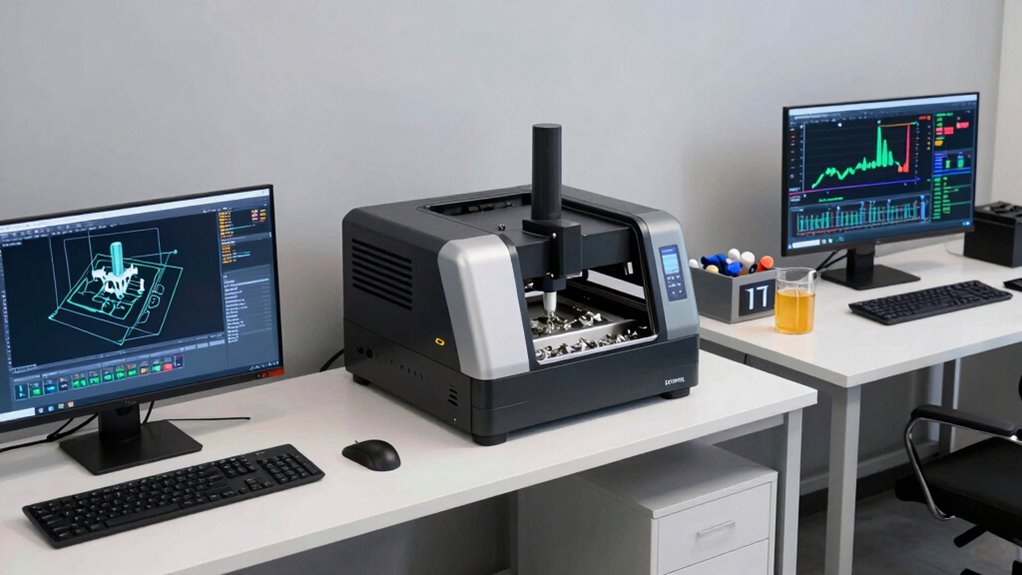
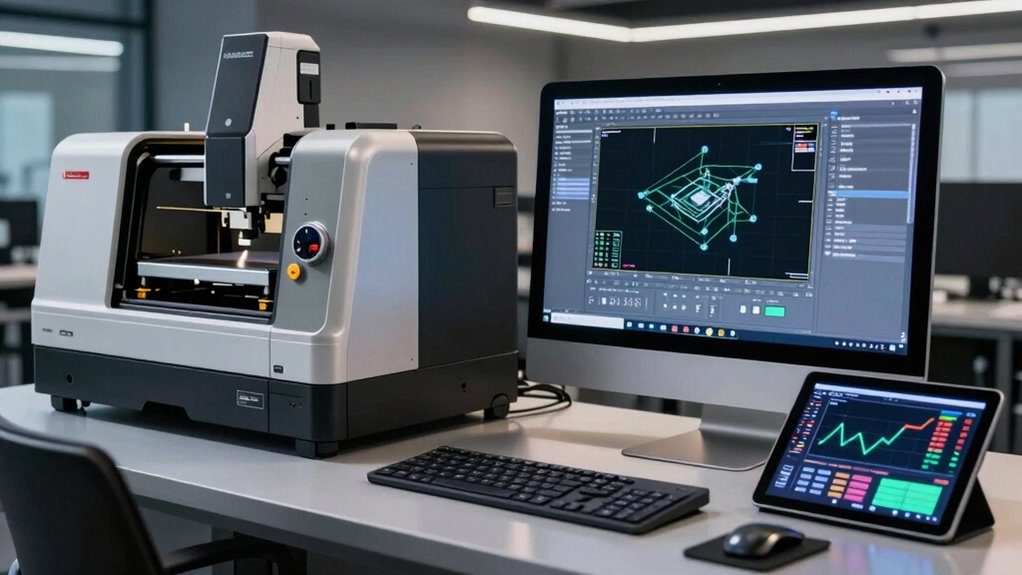
CAD, or Computer-Aided Design, focuses primarily on creating detailed 2D or 3D models of products. It’s where your design ideas come to life. You can manipulate designs easily, making adjustments as needed, which streamlines the initial phases of product development. The user interface of CAD software often allows for intuitive design modifications, enabling you to visualize changes in real time. With technology advancements, CAD has grown increasingly sophisticated, integrating features that support complex geometries and even simulations. Incorporating design flexibility is crucial for adapting to evolving project requirements. Additionally, the ability to easily share and collaborate on designs enhances teamwork and accelerates project timelines.
CAD enables the creation of intricate 2D and 3D product models, streamlining design adjustments and enhancing visualization in real time.
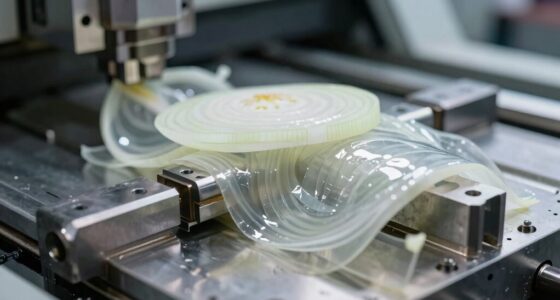
Once your design is finalized, it’s time to shift to CAM, or Computer-Aided Manufacturing. CAM takes the models created in CAD and translates them into instructions for manufacturing machinery. This software streamlines the machining process by generating tool paths and optimizing resource allocation. When you connect CAD and CAM through software integration, you create a seamless workflow that improves efficiency and reduces the likelihood of errors. This integration is essential for maintaining industry standards and ensuring that the final product meets all specified requirements. Additionally, the integration of manufacturing automation can further enhance production speed and consistency. Incorporating digital integration between CAD and CAM systems can also improve data accuracy and reduce setup times.
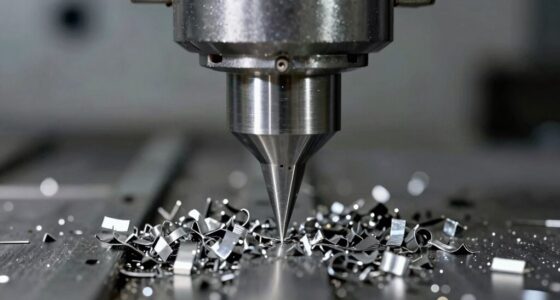
Control software, on the other hand, manages the machines that physically create your products. It interprets the instructions generated by CAM and translates them into actions that machines can execute. This software is fundamental for real-time monitoring and adjustments during the machining process, allowing you to maintain high levels of precision. By understanding how control software interacts with CAD and CAM, you can better appreciate its role in enhancing overall machining efficiency. Additionally, advancements in 3D scanning technology enable more precise and efficient feed-in of physical data into the manufacturing process, bridging the gap between digital and physical prototyping. Embracing these innovations can lead to higher accuracy and increased productivity in manufacturing workflows.
As an affiliate, we earn on qualifying purchases.
Frequently Asked Questions
What Are the Main Differences Between CAD and CAM Software?
CAD software focuses on design, allowing you to create detailed 2D or 3D models using various CAD features. You’ll find tools for drafting, modeling, and visualization. On the other hand, CAM software translates those designs into instructions for machines, streamlining production through CAM applications. It handles tasks like toolpath generation and machining processes to produce the physical parts designed in CAD. Understanding these differences helps you choose the right software for your needs.
Can CAD Software Be Used for 3D Printing?
Yes, CAD software can definitely be used for 3D printing. You’ll use various 3D modeling techniques to create detailed designs, ensuring they’re suitable for printing. Just remember to optimize your model for the printer you’re using, as this affects the final output. Proper printing optimization helps prevent issues like warping or misalignment. So, take your time to adjust your design before hitting that print button!
How Do I Choose the Right Software for My Project?
Choosing the right software for your project isn’t just about features; it’s about aligning with your specific project requirements. While one software might excel in design, another could offer better software compatibility for manufacturing. Weigh your needs against the software capabilities. If you’re focused on 3D printing, for instance, look for tools that streamline that process. Ultimately, it’s about finding a balance between functionality and what your project demands.
What Industries Benefit the Most From CAD and CAM Software?
Industries like aerospace, automotive, and consumer electronics benefit the most from CAD and CAM software. These tools enhance manufacturing efficiency by streamlining design processes and automating production. You’ll see significant improvements in design innovation, allowing you to create more complex and functional products. By integrating CAD and CAM, you can reduce errors and enhance collaboration, giving you a competitive edge in today’s fast-paced market.
Are There Free Alternatives to Popular CAD and CAM Software?
Yes, there are free alternatives to popular CAD and CAM software. You can explore open source options like FreeCAD or LibreCAD, which offer user-friendly interfaces for design and modeling. For CAM, check out programs like Fusion 360, which has a free tier for hobbyists. These tools can help you get started without a hefty investment, making it easier to engage with your projects and enhance your skills.
As an affiliate, we earn on qualifying purchases.
Conclusion
Just like a maestro conducts a symphony, harmonizing each instrument to create beautiful music, you too can orchestrate your workflow with CAD, CAM, and control software. Each plays a unique role, but together, they create a seamless masterpiece. Embrace their differences, and let them guide you through the creative process. When you understand their roles, you’ll compose designs that come to life, turning your visions into reality with precision and grace.
machine control software for CNC machines
As an affiliate, we earn on qualifying purchases.
As an affiliate, we earn on qualifying purchases.
3D scanning and digitization tools
As an affiliate, we earn on qualifying purchases.
As an affiliate, we earn on qualifying purchases.
Fall yard work Picks
leaf blowers
As an affiliate, we earn on qualifying purchases.