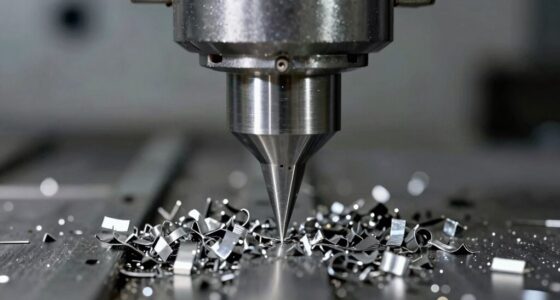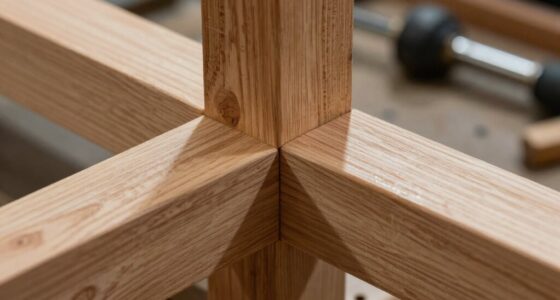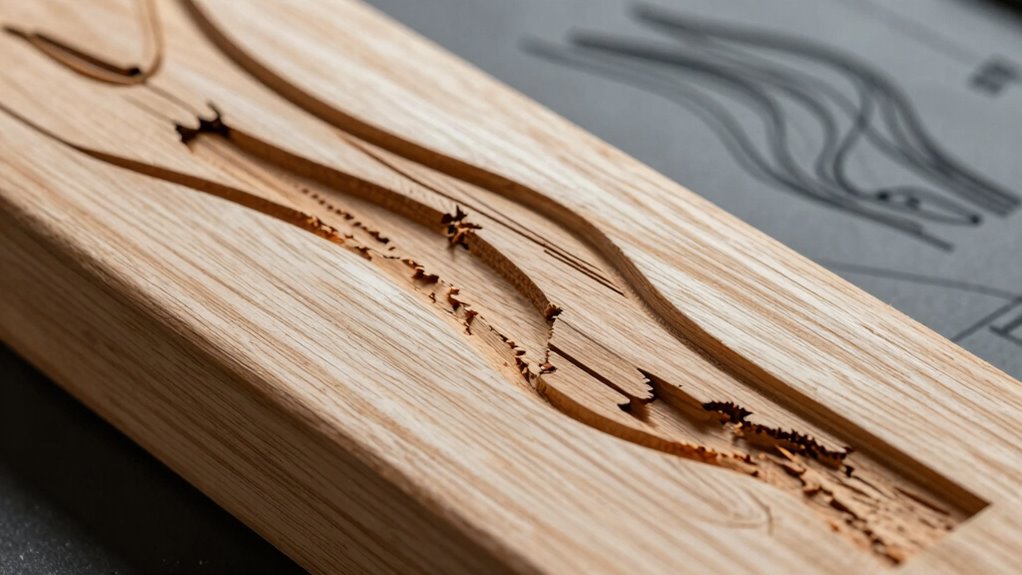

Clean toolpaths on your screen can be misleading. While polished visuals might give you confidence, they often don’t reflect real-world challenges, especially with wood’s unique properties like varying densities and grain patterns. If your simulation overlooks critical factors, you could face costly mistakes during machining. Understanding these complexities is essential to avoid tool breakage or poor finishes. Stay aware of material behavior and you’re bound to enhance your machining outcomes. Discover more insights on this topic.

Get business pricing on tools and workshop supplies
- Business-only prices and quantity discounts
- Tax-exempt purchasing
- Multiple users, one account, clear invoices
Key Takeaways
- Clean toolpaths in software can misrepresent real-world challenges, leading to overconfidence in design accuracy.
- Wood’s varying properties, like density and grain, can cause unexpected tool behavior that simulations may not predict.
- CAD/CAM software often overlooks crucial factors like proper feeds, speeds, and tool clearance, affecting machining outcomes.
- Design aesthetics can overshadow practical aspects, risking issues like tear-out or poor surface finishes during machining.
- Rigorous testing and prototyping with less expensive materials is essential to identify potential problems before actual machining.
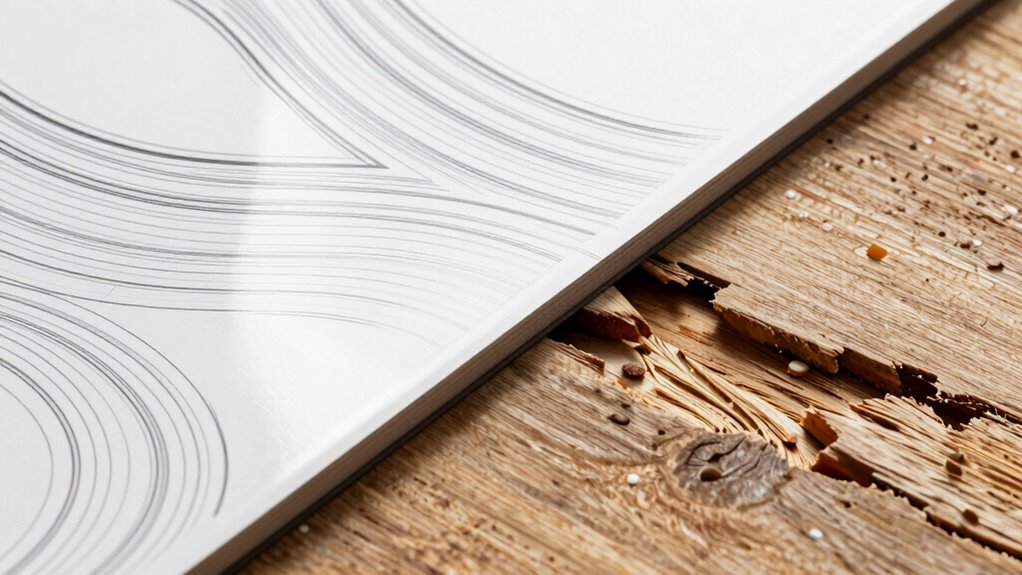
When you design toolpaths that look clean on screen, you’re setting the stage for efficient machining. However, it’s essential to remain vigilant about what those polished visuals may hide. The allure of a flawless simulation can lead to overconfidence, potentially causing you to overlook real-world factors that can derail your project. If the toolpaths look perfect but fail during machining, you might face costly mistakes.
One common issue arises from visual discrepancies between the software and the actual material. Even though your design appears immaculate on screen, the reality of wood’s unique properties can create unexpected challenges. Wood isn’t a uniform material; it has varying densities, grain patterns, and moisture content. These factors can cause the tool to behave differently than expected, leading to a mismatch between your simulation and the actual cutting process. When you encounter these discrepancies, it’s important to reassess your toolpath strategy.
Software limitations also play a role in this dynamic. While CAD and CAM software can generate impressive visuals, they can’t always account for every variable in the machining process. These limitations may lead to oversights in your design, such as inadequate tool clearance or improper feeds and speeds. If your software fails to take into account the specific characteristics of the wood, you could end up with toolpaths that are technically sound on screen but practically flawed. Additionally, understanding wood properties can help you better anticipate how the material will respond during cutting, reducing surprises in the process. Recognizing material variability can help you adapt your approach for more consistent results. It’s also beneficial to stay informed about material behavior under different machining conditions to refine your strategies further.
Design oversights are another significant factor. It’s easy to get caught up in the aesthetics of your toolpaths and neglect practical considerations. You might overlook details like the direction of the grain or the potential for tear-out, which could lead to poor surface finishes or even tool breakage. Taking a moment to scrutinize your design can save you from harsh realities when you switch from simulation to actual machining. Furthermore, simulation errors can mislead you into believing that everything will go smoothly. Just because the toolpath looks good in the software doesn’t guarantee that it’ll perform well on the wood. It’s vital to conduct thorough testing, possibly with a prototype or a less valuable material, to catch any issues before they become significant problems. Considering material testing as part of your workflow can help identify unforeseen issues early on.
In the end, while clean toolpaths on screen may seem like a victory, you must remember that the real test lies in the machining process. Stay alert to the nuances of wood, acknowledge the limitations of your software, and always double-check your designs to guarantee successful outcomes.
As an affiliate, we earn on qualifying purchases.
Frequently Asked Questions
What Are Common Reasons for Toolpath Failures in Real Wood?
Common reasons for toolpath failures in real wood include improper cutting feedrates and inadequate tool selection. If your feedrates are too fast, the tool may struggle to cut effectively, leading to rough edges or burn marks. Similarly, using the wrong tool can result in poor performance, as not all bits are suited for every type of wood. Always verify you match your feedrates and tool choice to the specific wood you’re working with.
How Can I Test Toolpaths Before Cutting Actual Wood?
You’re enthusiastic to cut, but what if your toolpaths aren’t ready? Before you plunge in, use simulation techniques to visualize how the tools will move. This can uncover potential failures lurking beneath the surface. Next, conduct material testing on scrap wood. It’s a small investment that’ll save you from costly mistakes. By combining these methods, you’ll gain confidence, ensuring your designs translate perfectly from screen to reality.
What Software Settings Affect Toolpath Accuracy?
Several software settings affect toolpath accuracy. First, verify you’ve calibrated your software correctly for your machine. Check vector precision to avoid discrepancies. Adjust feed rates to match the material’s characteristics, and choose appropriate material settings for the job at hand. Tooling selection also plays an essential role; using the right tools guarantees better results. Finally, utilize simulation options to visualize toolpaths before cutting, helping you catch potential issues early.
Are Certain Wood Types More Prone to Toolpath Issues?
Certain wood types can definitely throw a wrench in your toolpath plans. Denser woods can dull tooling choices faster, while intricate grain patterns can snag your bits, causing inaccuracies. If moisture content’s high, you might face warping, which messes with finish quality. Plus, cutting speed plays an essential role; too fast can lead to chipping in softer woods. So, always consider these factors to keep your projects on track and looking sharp.
How Can I Improve My CNC Machine’s Performance?
To improve your CNC machine’s performance, start by calibrating it regularly for accuracy. Adjust the feed rate and spindle speed according to the material thickness and bit type you’re using. Choosing the right tool selection is essential; make sure you match the bit type to your project. Experiment with different settings to find the best balance, and don’t forget to check for any wear on your bits that could affect performance.
As an affiliate, we earn on qualifying purchases.
Conclusion
In the world of CNC machining, clean visuals can be deceiving. You might think you’ve nailed the perfect design, but the moment the bit meets real wood, everything can unravel. What seemed flawless on your screen might reveal hidden flaws, leaving you frustrated and questioning your skills. As you stand over your machine, heart racing, remember: the true test lies not in the digital domain, but in the raw, unpredictable beauty of real materials. Are you ready for the challenge?
woodworking dust collection system
As an affiliate, we earn on qualifying purchases.
As an affiliate, we earn on qualifying purchases.
clamp set for woodworking projects
As an affiliate, we earn on qualifying purchases.
As an affiliate, we earn on qualifying purchases.
Halloween Picks
halloween
As an affiliate, we earn on qualifying purchases.