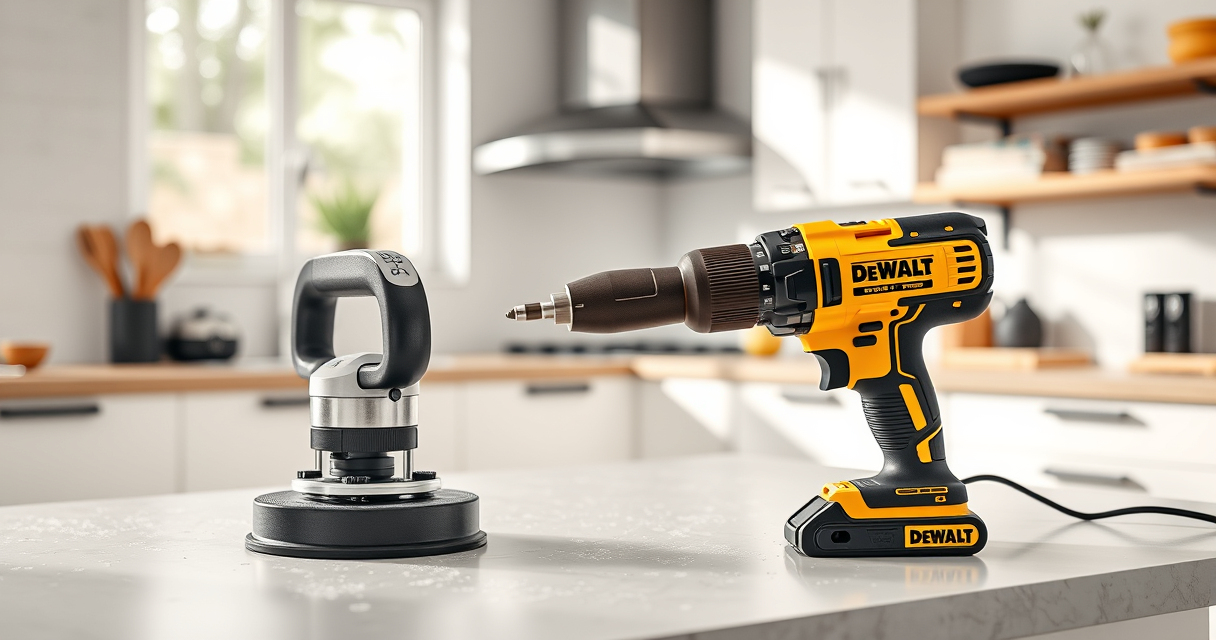
Keeping your DEWALT XR Impact Driver clean is essential for maintaining its performance and extending its lifespan. Dirt, dust, and debris can interfere with its operation, so regular cleaning is recommended. This guide provides practical, safe, and effective steps to clean your impact driver without damaging it.

Get business pricing on tools and workshop supplies
- Business-only prices and quantity discounts
- Tax-exempt purchasing
- Multiple users, one account, clear invoices
Ensure you have the necessary tools and follow each step carefully to avoid voiding the warranty or causing damage to your device.
Key Takeaways
| Regular cleaning improves performance | Cleaning prevents dust buildup that can hinder operation. |
| Use gentle tools | Avoid harsh chemicals or abrasive tools that can damage the exterior. |
| Focus on vents and contacts | Keep air vents and electrical contacts free of debris for optimal function. |
| Unplug or remove batteries | Always disconnect power sources before cleaning. |
| Routine maintenance extends lifespan | Regular cleaning and inspection keep your impact driver in top shape. |
Gather Necessary Tools and Supplies
- Soft brush (e.g., paintbrush or toothbrush)
- Lint-free cloth or microfiber rag
- Compressed air canister
- Isopropyl alcohol (optional, for contacts)
- Screwdriver (if disassembly is needed)
Prepare the Impact Driver for Cleaning
Ensure the impact driver is powered off and unplugged from any charging source. Remove the battery to prevent accidental activation. Use a screwdriver to open any accessible panels if necessary, following the manufacturer’s instructions.
Clean the Exterior and Vents
- Use a soft brush to gently remove dust and debris from vents, crevices, and the exterior surface.
- Hold the impact driver upside down and use compressed air to blow out dust from vents and internal areas, keeping the canister upright to avoid propellant discharge.
- Wipe down the exterior with a slightly damp microfiber cloth; avoid excess moisture near electrical components.
Clean Electrical Contacts and Internal Components
If you notice corrosion or dirt on contacts, lightly dampen a lint-free cloth with isopropyl alcohol and wipe the contacts carefully. Do not pour liquids directly onto the device. If disassembled, clean internal parts gently and avoid damaging wiring or sensors.
Reassemble and Test
Once cleaning is complete and parts are dry, reassemble any panels and reinstall the battery. Power on the impact driver to check if it operates smoothly and quietly. If you notice issues, consult a professional for further inspection.
The Products in This Guide

DEWALT 20V MAX Cordless Drill and Impact Driver
- ✔ Battery Life: Long-lasting 5Ah batteries
- ✔ Design: Compact and ergonomic
- ✔ Warranty: 3-year limited

DEWALT Drill Bit Set
- ✔ Tip Angle: 135°
- ✔ Durability: High
- ✔ Compatibility: All 14-piece set fits impact drivers
DEWALT 20V MAX Cordless Drill and Impact Driver
The DEWALT 20V MAX Cordless Drill and Impact Driver offers a compact, lightweight design with a brushless motor, making it an excellent choice for various projects. Its ergonomic grip and bright LED improve usability in tight or dark spaces, and routine cleaning helps maintain its performance.
Pros:
- Compact and lightweight for easy handling
- Brushless motor for efficiency and longevity
- Bright LED for visibility
- Ergonomic comfort grip
Cons:
- Battery life may vary with heavy use
- Cleaning requires careful disassembly if internal parts need attention
Best for: DIY enthusiasts and professionals needing a reliable impact driver
Not ideal for: Users seeking heavy-duty industrial tools or extensive internal cleaning
Bottom line: Regular, gentle cleaning keeps your DEWALT impact driver performing at its best.
DEWALT Drill Bit Set
Pair your impact driver with this durable 14-piece drill bit set featuring split point tips and high-speed steel. It ensures precise and efficient drilling into various materials.
Pros:
- High-quality high-speed steel
- Split point reduces walking
- Color-coded for quick size identification
- Suitable for multiple materials
Cons:
- Limited to drilling, not driving screws
- Bits may wear over time with heavy use
Best for: Home repairs and light construction projects
Not ideal for: Heavy-duty industrial applications
Bottom line: A reliable drill bit set that enhances your impact driver’s versatility.
Frequently Asked Questions
Can I use compressed air to clean the impact driver?
Yes, using compressed air is effective for removing dust from vents and internal areas, but ensure the can is upright to prevent propellant discharge.
Is it safe to clean the impact driver with water?
No, water can damage electrical components. Always use a damp cloth or compressed air for cleaning.
How often should I clean my impact driver?
Regular cleaning after heavy use or when you notice dust buildup will help maintain optimal performance. A thorough cleaning every few months is recommended for frequent users.
Can I disassemble the impact driver for internal cleaning?
Disassembly is possible if you have the proper tools and experience. Follow the manufacturer’s instructions carefully, or consult a professional to avoid voiding the warranty.
Keep Your Impact Driver Performing Like New
Regular, careful cleaning of your DEWALT XR Impact Driver is essential for ensuring it remains reliable and efficient. By following these simple steps, you can prevent dust buildup and potential damage, extending the life of your tool. Always prioritize safety, and remember to disconnect power sources before cleaning.
Affiliate disclosure: As an Amazon Associate we earn from qualifying purchases. Prices and availability are accurate as of the time of publishing.
Fall yard work Picks
leaf blowers
As an affiliate, we earn on qualifying purchases.