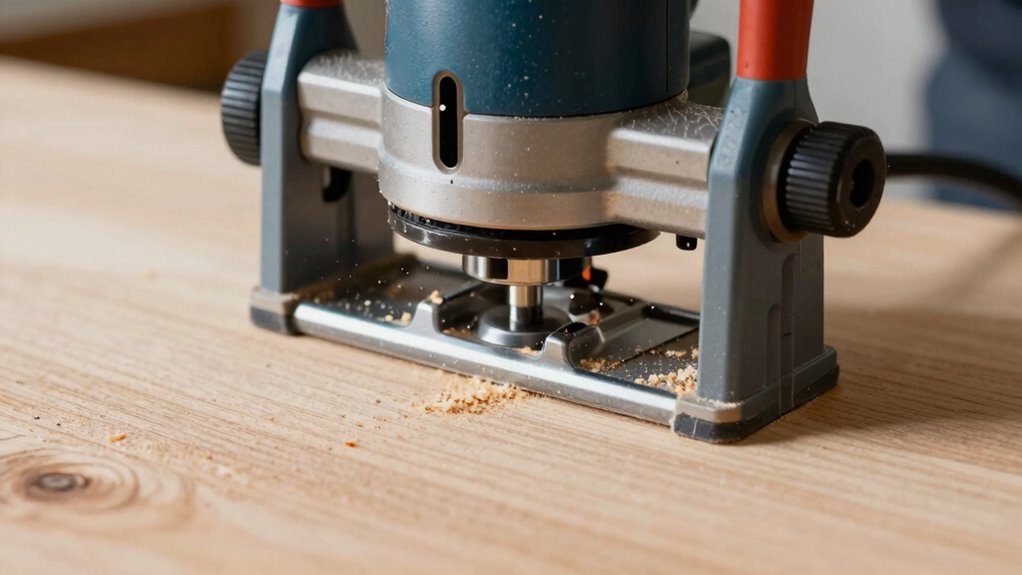
To stop burning and grabby cuts, you need to comprehend the correct router feed direction. Always feed the material so that the cut occurs on the push stroke when the bit spins clockwise. Feeding against the bit’s rotation causes rough cuts and burns. Proper technique ensures cleaner, safer work and longer tool life. If you follow these guidelines, you’ll improve your results—and you’ll find it easier to avoid common routing mistakes as you continue.

Get business pricing on tools and workshop supplies
- Business-only prices and quantity discounts
- Tax-exempt purchasing
- Multiple users, one account, clear invoices
Key Takeaways
- Feed the material so that the cut occurs on the push stroke when the router rotates clockwise.
- Ensure the router bit spins clockwise when viewed from the collet for correct feed direction.
- Test with scrap pieces to confirm proper feeding, avoiding burn marks and grabby cuts.
- Maintain steady, controlled pressure and consistent speed during routing for smooth cuts.
- Regularly inspect and replace dull or damaged bits to prevent uneven cuts and burning.
As an affiliate, we earn on qualifying purchases.
What Is Router Feed Direction and Why Should You Care?
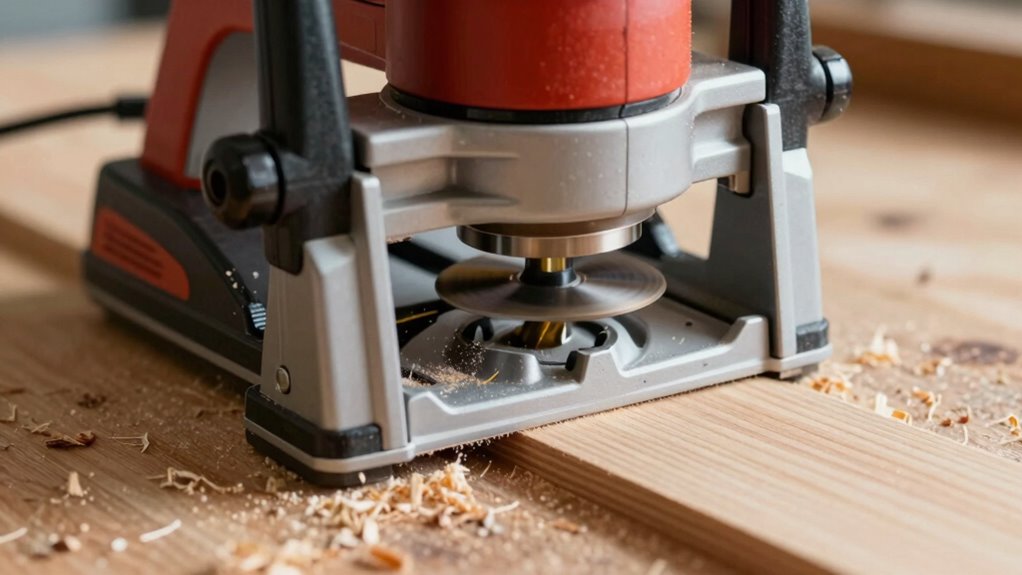
Understanding router feed direction is essential because it directly impacts the quality and efficiency of your woodworking projects. When you feed the material in the correct direction, you help guarantee smooth cuts and reduce the risk of tear-out, especially when working with the grain direction. Always pay attention to whether you’re feeding the wood against or with the grain, as this influences the finish and safety. Ignoring proper feed direction can cause the router to catch or kick back, risking injury. Additionally, feeding in the right direction minimizes splintering and burn marks, leading to cleaner results. Proper feed direction also affects the contrast ratio in your finished work, as cleaner cuts tend to produce a more precise surface. Remember, safety precautions are crucial—use push sticks, wear eye protection, and stay alert. Paying attention to correct feed techniques can also prolong the lifespan of your router bits and tools. Using the proper feed direction is also important for efficient material removal, ensuring your project progresses smoothly without unnecessary strain on your equipment.
As an affiliate, we earn on qualifying purchases.
How to Find the Correct Feed Direction on Your Router
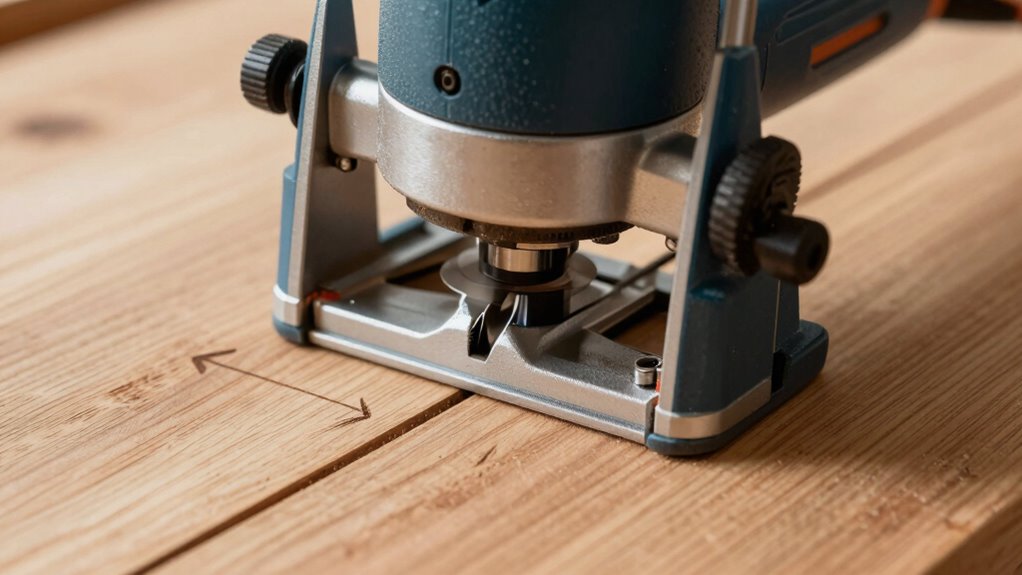
To find the correct feed direction, start by understanding your router bit’s rotation and how it influences material movement. Next, determine which way the material should move through the bit for a smooth cut and safe operation. By matching the bit rotation with your material feed, you’ll guarantee cleaner cuts and safer woodworking. Additionally, being aware of digital safety practices helps prevent accidents and ensures a safer workshop environment. Recognizing proper equipment maintenance can also contribute to consistent results and safer working conditions.
Understanding Router Bit Rotation
When your router bit spins, knowing its rotation direction is essential to guarantee safe and effective cuts. Understanding router bit rotation helps you set the correct feed direction, avoiding burns and grabby cuts. Many feed direction myths suggest blindly feeding against the bit’s rotation, but it’s more nuanced. Typically, the bit spins clockwise (viewed from the collet), so you should feed into the bit so the cut takes place on the downward or push stroke. Use this table to clarify:
| Router Bit Rotation | Correct Feed Direction |
|---|---|
| Clockwise | Feed so the bit cuts on the push stroke |
| Counterclockwise | Feed so the bit cuts on the pull stroke |
| Myths | Feed against the rotation, which causes issues |
Knowing this guides safe, efficient routing.
Determining Material Feed Direction
How can you determine the correct feed direction for your router? Start by examining the material orientation and the router bit’s rotation. The feed direction should push the workpiece against the rotation of the bit, ensuring cleaner cuts and reducing tear-out. Typically, you’ll want to move the material from the infeed side to the outfeed side, following the natural grain or orientation of the material. For edge cuts, feed in the direction that makes the bit cut smoothly without forcing or burning the wood. Test on scrap pieces if necessary. Proper feed direction keeps cuts clean and prevents burn marks or grabby cuts. Always pay attention to the material’s orientation and the router’s rotation to achieve *most suitable* results.
As an affiliate, we earn on qualifying purchases.
How Incorrect Feed Direction Can Burn Your Wood and Cause Grabby Cuts
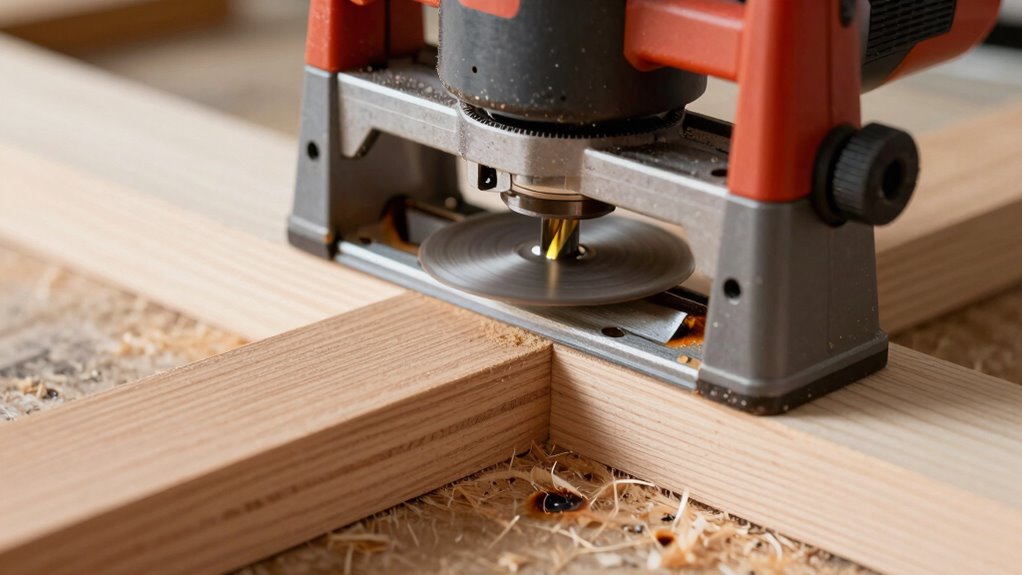
If you feed your router in the wrong direction, you risk burning your wood and creating grabby cuts. Using too much pressure or the wrong bit can make the problem worse, leading to uneven surfaces and potential damage. Paying attention to feed direction and tool choice helps guarantee a smooth, clean cut every time.
Improper Feed Direction
Using the wrong feed direction can quickly lead to problems on your woodworking projects. Many beginners fall for feed direction myths, thinking it doesn’t matter which way they push the router. In reality, improper feed direction causes burning, rough cuts, and even grabby feed issues. When you feed against the bit’s rotation, you put extra strain on the cutter, leading to heat buildup and burn marks. It also increases the risk of the router grabbing unexpectedly, making your cut uneven or dangerous. Avoid these beginner mistakes by always feeding the router in the correct direction—against the bit’s rotation for most cuts. Doing so ensures cleaner cuts, better control, and a safer, more professional finish. Proper feed direction is essential for safe, efficient routing.
Excessive Feed Pressure
Feeding the router with excessive pressure can quickly cause problems, especially if you’re not following the correct feed direction. Too much feed pressure forces the bit against the wood, risking burn marks and rough cuts. It can also cause the bit to heat up, dulling faster and potentially damaging the wood surface. Proper feed pressure helps maintain smooth, clean cuts and reduces stress on the bit. Additionally, ensuring correct bit alignment is essential; misaligned bits can lead to uneven cuts and increased resistance, prompting you to push harder. Always feed at a steady, moderate pace, letting the router do the work. Avoid forcing the tool, as excessive pressure and incorrect feed direction together will only worsen your results, leading to burns and grabby cuts.
Incorrect Router Bit Usage
Incorrect feed direction can greatly impact the quality of your cuts, often leading to burnt wood and grabby surfaces. Using the wrong bit selection or not adjusting router speed for your bit can cause issues. For example, a dull or inappropriate bit can increase friction, resulting in burning and rough cuts. Always choose the right bit for your project and material, ensuring it’s sharp and suitable. Additionally, router speed plays a critical role; running your router too fast or too slow can lead to improper cuts and burn marks. Match your router speed to the bit’s specifications and your material. Ignoring these factors means you’ll struggle with clean cuts, risking damage to your workpiece and your router. Proper bit selection and speed adjustment are essential for smooth, safe, and accurate routing.
As an affiliate, we earn on qualifying purchases.
How to Test Your Router’s Feed Direction to Prevent Problems
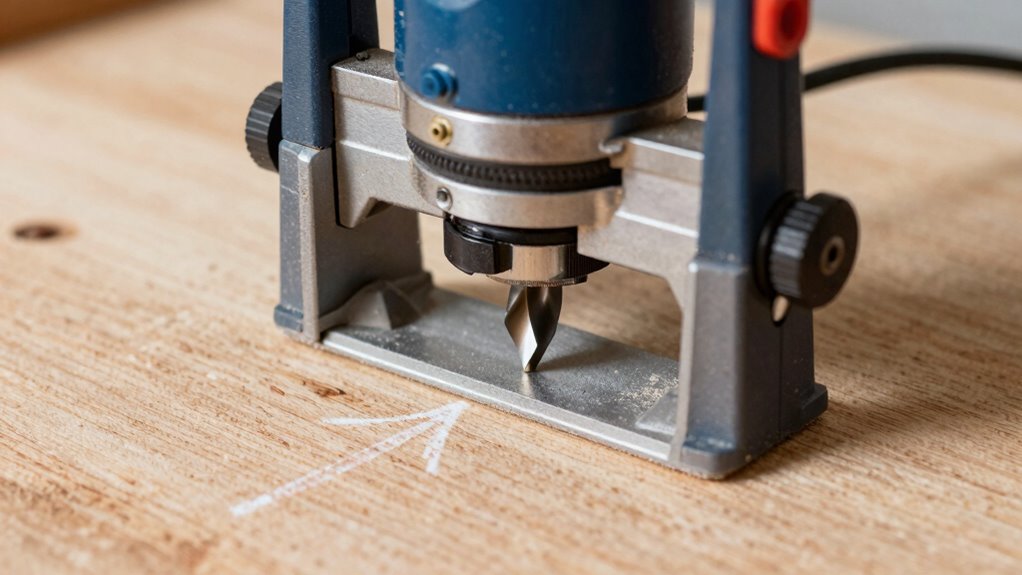
To make certain your router functions at its best, verifying the direction of its feed is vital. Proper testing ensures smooth cuts, reduces burn marks, and prevents “grabby” cuts. Start by observing the router’s cutting techniques—note whether it pushes or pulls against the workpiece. To test the feed direction:
- Run the router along a scrap piece, paying attention to how it moves
- Check if the bit rotates into or away from your cut line
- Adjust the feed based on whether the cut is cleaner or burning
- Understanding the horsepower of electric dirt bikes can help you choose the right motor for your power needs, ensuring efficient operation and better control during routing tasks
- Properly setting the feed direction is part of router maintenance, which helps prevent damage and ensures safety during woodworking. Regularly inspecting your router’s components and dust collection system can further improve performance and safety.
- Additionally, being aware of the nanotechnology advancements in tool coatings can prolong the lifespan of router bits and improve their performance.
- Ensuring correct feed direction also involves understanding how cutting angles influence the quality of your work, which is a key aspect of effective router operation.
This simple test is part of regular router maintenance, helping you identify issues early. Correct feed direction enhances safety, improves cut quality, and prolongs your tool’s lifespan. Mastering this step is essential for flawless woodworking projects.
Troubleshooting Feed Direction Issues in Your Projects
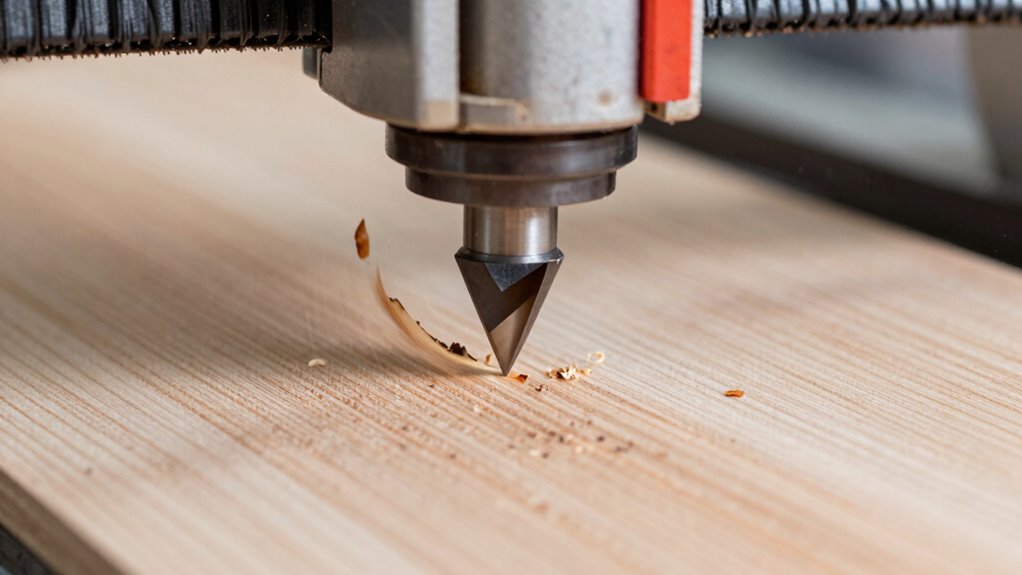
When you notice rough or uneven cuts, it’s often a sign that your router’s feed direction isn’t set correctly. Incorrect feed direction can lead to burn marks, grabby cuts, and even unsafe situations, so troubleshooting is essential. First, double-check that you’re feeding the material in the right direction relative to the bit’s rotation, ensuring your router safety is maintained. Inspect your bits regularly for signs of dullness or damage, as worn bits can worsen feed issues and compromise cut quality. Proper bit maintenance keeps your router performing smoothly and reduces the risk of kickback. If cuts remain uneven, try adjusting your feed rate or direction and confirm your setup matches the manufacturer’s recommendations. Understanding router feed direction can help prevent common mistakes and improve overall project safety. Regularly verifying your bit condition contributes to consistent results and reduces the likelihood of defects. Additionally, being aware of free floating techniques can help you achieve more precise and controlled cuts, especially in complex projects.
Best Practices for Safe, Clean Cuts With Proper Feed Direction
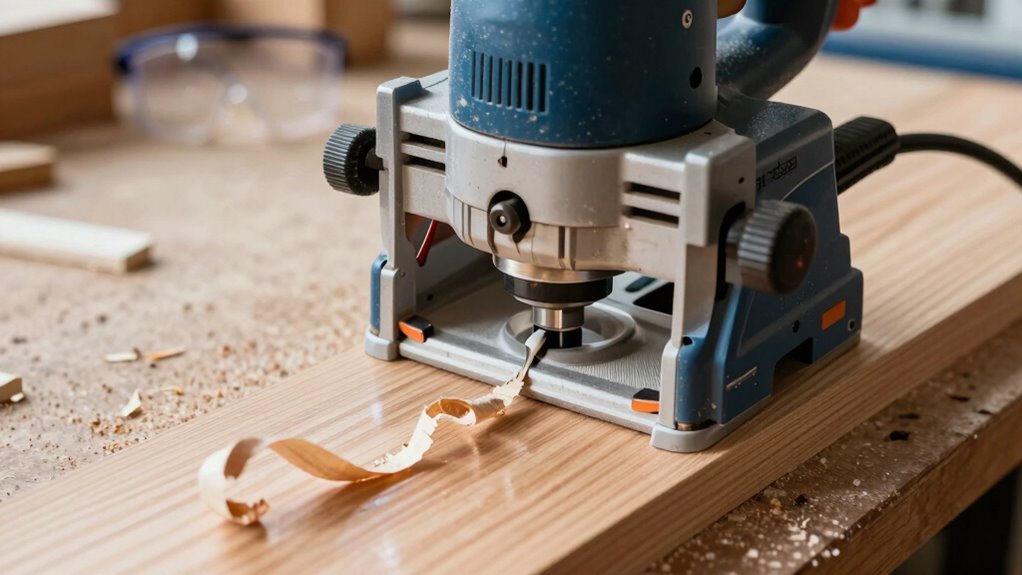
Ensuring safe, clean cuts with proper feed direction starts with understanding how the router bit’s rotation affects your material. By aligning your feed mechanism correctly, you reduce the risk of bit safety issues and prevent burn marks or grabby cuts. Always feed the material against the bit’s rotation for a smoother, safer cut. Maintaining steady pressure, avoiding forcing the feed, which can cause tear-out or kickback, is essential for optimal results. Proper cutting techniques help you carry your tools securely and efficiently to your workspace. Additionally, understanding the feed direction can significantly influence the quality of your cuts and overall safety during operation. To optimize your process, consider the small appliance features that support steady, controlled movements during woodworking or other tasks. Keep the router moving at a consistent speed for cleaner cuts. Use the correct feed direction based on the bit’s rotation, and make certain your feed mechanism provides smooth, controlled movement. Being aware of safety precautions ensures you work confidently and avoid potential hazards. Following these best practices helps you achieve precise results and keeps your work safe and efficient.
Frequently Asked Questions
Can Feed Direction Affect the Durability of My Router Bits?
Yes, your feed direction can impact the durability of your router bits. When you follow the grain direction, the cut quality improves, and there’s less strain on the bits, reducing wear and tear. Feeding against the grain increases resistance, which can cause bits to dull faster or even break. So, always pay attention to grain direction to guarantee better cut quality and prolong your router bits’ lifespan.
Does Material Type Influence the Ideal Feed Direction?
Material type definitely influences your ideal feed direction. You should consider the grain orientation because feeding against the grain can cause tear-out or rough cuts. Additionally, adjusting the cutting angle helps optimize material removal and prevent burning. By aligning the feed direction with the grain and maintaining the proper cutting angle, you’ll achieve cleaner cuts and extend your router bits’ lifespan, making your work more efficient and professional.
How Does Feed Rate Interact With Feed Direction for Best Results?
You might find that adjusting your feed rate is essential when optimizing your cuts, especially with feed direction in mind. Too fast, and you risk burning or grabby cuts; too slow, and you lose efficiency. Proper feed rate calibration ensures smooth, clean cuts, enhancing your cutting speed optimization. When combined with the right feed direction, this balance leads to perfect results—making your project both safer and more precise.
Are There Specific Feed Directions for Different Woodworking Joints?
Yes, different woodworking joints benefit from specific feed directions to guarantee router stability and joint accuracy. For example, when creating dadoes or rabbet joints, feed against the rotation for cleaner cuts. For edge joints, feed with the rotation to reduce tear-out. Following the correct feed direction helps prevent burning, grabby cuts, and ensures precise, stable results, making your joints stronger and more professional-looking.
Can Incorrect Feed Direction Cause Safety Hazards Besides Poor Cuts?
Think of improper feed hazards as a ticking time bomb waiting to go off. If you don’t pay attention to feed direction safety, you risk kickbacks, which can cause serious injury, or damage your workpiece. Incorrect feed direction can make the router stall unexpectedly or cause the bit to grab, leading to accidents. Always guarantee proper feed direction to keep your workspace safe and your cuts clean.
Conclusion
Getting your router’s feed direction right is like steering a boat smoothly through choppy waters—you stay in control, avoid damage, and achieve clean cuts. When you understand and test the correct feed, you prevent burns and grabby cuts from sinking your project’s quality. Remember, a little attention to feed direction guides your craft safely and steadily, turning rough seas into calm waters. Keep this in mind, and your woodworking journey will stay on course.
Halloween Picks
halloween
As an affiliate, we earn on qualifying purchases.