TL;DR

Get business pricing on tools and workshop supplies
- Business-only prices and quantity discounts
- Tax-exempt purchasing
- Multiple users, one account, clear invoices
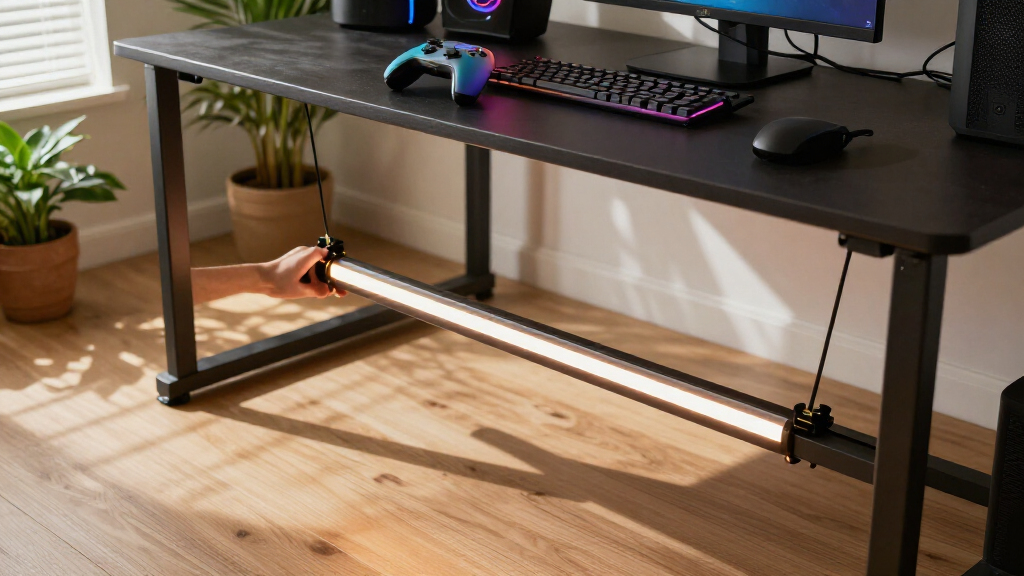
Matter Alpha published a DIY guide for adding Govee COB lighting to IKEA’s YXSTABY gaming side table without drilling or permanently altering the furniture. The method uses 3D-printed fixtures fitted into existing screw holes and connects the strip to a Matter-compatible smart-home platform.
Matter Alpha has published a no-drill lighting guide for IKEA’s YXSTABY gaming side table, using a Govee COB light strip and small 3D-printed fixtures fitted into the table’s existing screw holes. The approach adds smart, colored lighting to the table’s enclosed storage area without glue or permanent furniture changes, and lets users control basic functions through a Matter-compatible smart-home platform.
The guide uses the Govee COB Strip Light 2 Pro, whose closely spaced lighting elements produce a more continuous glow than conventional strips, according to Matter Alpha. Because the strip is relatively thick and elastic, the author says its adhesive backing is not well suited to every surface on the table. Instead, the printed fixtures hold the strip in place at existing mounting points.
The design calls for four upper and four lower fixtures, with files made available through MakerWorld. The author printed the pieces in translucent PETG and says PLA may also work, though fit can vary. The fixtures are pushed into screw holes identified in IKEA’s assembly guide; they do not require extra screws or glue. The instructions recommend printing with supports enabled.
The light strip is routed around the lower and upper parts of the table, then cut to fit at one of its marked cutting points. The guide says users should disconnect power before cutting and cautions that the removed portion cannot be reconnected. For an unassembled table, it recommends leaving the bottom panel and feet off until the strip and cable are positioned. The power lead exits through the panel’s existing cable-routing hole.
After installation, the strip can be paired with a platform such as Apple Home, Home Assistant or SmartThings. Matter control covers basic functions including power, brightness and color, according to the report. The Govee Home app is still needed to recalibrate the shortened strip and provides additional effects and animation controls that the guide says are not available through Matter.
Lighting Without Altering the Table
The project offers owners a way to add ambient light inside the storage area while keeping the table’s exterior free of new holes and adhesive. That matters for people who want to customize furniture but may later want to remove the lighting or return the table to its original configuration. The method relies on existing screw holes, though the source does not report formal testing of long-term fit or removal.
It also shows the distinction between Matter interoperability and app-specific features. Users can bring basic lighting controls into a broader smart home, while advanced Govee effects remain in the manufacturer’s app, according to the guide. The setup therefore adds cross-platform control without replacing the Govee app for every feature.
Products Worth Considering

Philips Hue Smart Light Starter Kit with Bridge and 4 White and Color A19 Bulbs

Philips Hue Starter Kit with Bridge Pro and 4 Retrofit LED Recessed Downlights

Samsung 75-Inch The Frame Pro 4K Neo QLED Smart TV (QN75LS03FW)
As an affiliate, we earn on qualifying purchases.
How the Mounting Method Works
IKEA’s YXSTABY collection was developed with Xbox and includes furniture intended for gaming spaces. Matter Alpha’s report focuses on the side table, whose enclosed storage can be difficult to illuminate. The guide treats the lighting as a personal modification rather than an IKEA product feature or an officially supported accessory.
The installation depends on access to a 3D printer and the MakerWorld fixture files. People assembling the table can install the lights before closing the bottom section; those with an assembled table can still follow the method, but the guide says access to mounting points is more awkward because the sliding panel must be moved. It describes the task as easy to moderate and says no soldering is required.
““without drilling extra holes or making permanent changes to the furniture.””
— Matter Alpha
Fit and Feature Limitations
The report does not provide independent testing, measurements of the completed installation, or long-term results for the fixtures. It also does not establish that every print, filament or YXSTABY assembly will produce the same fit. The author says PLA may fit differently from PETG and suggests a small amount of tissue around a loose fixture as a possible adjustment.
The source does not specify the final usable strip length or confirm that every Matter platform exposes identical controls. It says basic functions are available through Matter and that more advanced effects remain in the Govee app. The guide’s excerpt also ends while describing a customized effect, so the exact animation used in the author’s setup is not fully documented in the supplied material.
Before Starting the Installation
Anyone following the project will need to download and print the upper and lower fixture designs, check their fit in the table’s existing holes, and plan where the power cable should exit before closing the bottom panel. Users with an assembled table should expect more restricted access to the mounting points.
Before trimming the strip, the guide advises checking the route and disconnecting power; cutting should be limited to the manufacturer’s marked points. After pairing with a Matter platform, users should run the Govee app’s length calibration so effects match the shortened strip. The source does not identify a later product release or additional update from IKEA or Govee tied to this project.
Key Questions
Does the installation require drilling into the YXSTABY table?
No. The guide uses existing screw holes to hold the printed fixtures and says the setup requires no new holes, glue or extra screws.
Which light strip does the guide use?
It uses the Govee COB Strip Light 2 Pro. The report describes COB lighting as producing a more continuous glow, but says the strip’s thickness and elasticity can make it harder to route around tight corners.
Can the lights be controlled with Matter?
According to Matter Alpha, users can pair the strip with a platform such as Apple Home, Home Assistant or SmartThings for basic power, brightness and color controls. The Govee app provides additional effects and animations.
What equipment is needed to make the mounts?
The project requires access to a 3D printer and the fixture files on MakerWorld. The author used translucent PETG and says PLA may work, although the fit can differ.
Can the cut-off part of the light strip be reused?
The guide says the removed section cannot be reconnected. It recommends disconnecting power and cutting only at a marked cutting point after checking the required length.
Source: matteralpha.com