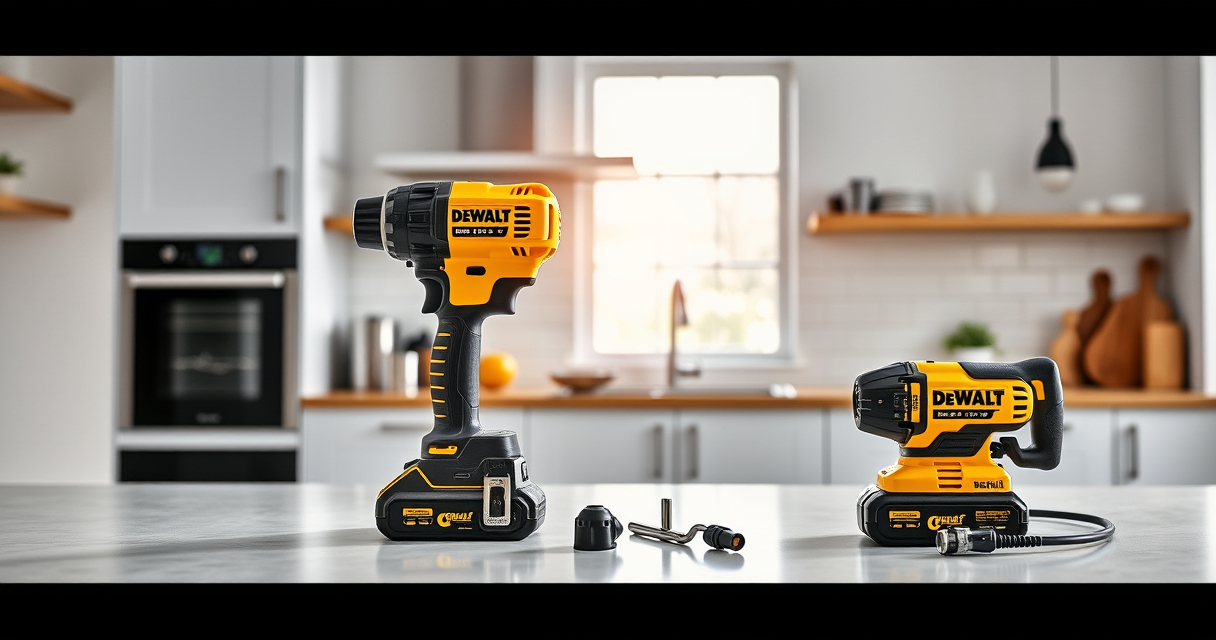

Getting started with your new DEWALT power tools can be straightforward when you follow the right setup procedures. Proper assembly and safety precautions ensure your tools operate efficiently and safely, helping you complete your projects with confidence.

Get business pricing on tools and workshop supplies
- Business-only prices and quantity discounts
- Tax-exempt purchasing
- Multiple users, one account, clear invoices
In this guide, we’ll walk through the essential steps to set up your DEWALT 20V MAX Cordless Drill Driver Set, along with helpful tips and warnings to keep your work safe and productive.
Key Takeaways
| Safety First | Always wear protective gear and ensure tools are unplugged or batteries are removed during setup. |
| Read the Manual | Review the user manual for specific instructions and safety warnings. |
| Battery Handling | Use compatible batteries and avoid short circuits or overcharging. |
| Proper Assembly | Securely mount accessories and check for tight connections. |
| Test Before Use | Run the tool briefly to ensure proper operation before starting your project. |
Gather Your Tools and Safety Gear
Before beginning setup, ensure you have all necessary components, including your DEWALT 20V MAX Cordless Drill Driver Set, batteries, charger, and any accessories like drill bits or bits sets. Wearing safety gear such as safety glasses, gloves, and ear protection is crucial to protect yourself during both setup and operation.
Charge and Insert the Battery
- Remove the battery from the packaging, or if included, take the fully charged battery out of the charger.
- Align the battery with the base of the drill, ensuring the contacts match up.
- Push firmly until you hear a click, indicating the battery is properly seated.
- If the battery isn’t charged, connect it to the DEWALT charger and wait until the LED indicates full charge before use.
Properly charged batteries are essential for optimal drill performance and safety during operation.
Assemble and Attach Drill Accessories
Choose the appropriate drill bit or screwdriver bit for your task. Insert the bit into the single-sleeve ratcheting chuck:
- Pull the chuck sleeve back to open the jaws.
- Insert the shank of the bit fully into the chuck.
- Release the sleeve to tighten the bit securely. Use the chuck key if your model has one, but the brushless drill set typically features a keyless chuck for quick changes.
Ensure the bit is tightly held before proceeding to avoid slippage during use.
Configure Your Drill Settings
Adjust the drill’s two-speed transmission based on your task. For general drilling, use the low speed (around 0-550 RPM), and for fasteners or lighter work, switch to the high speed (up to 1,700 RPM). Use the forward/reverse switch to set the rotation direction. Check the LED light to ensure it activates, providing visibility in dim spaces.
Test and Start Your Project
Before beginning your main task, test the drill on a scrap piece or an inconspicuous area to confirm proper operation. Listen for smooth engagement and check for any abnormal vibrations or sounds. Make adjustments as needed, and always keep your hands clear of moving parts during operation.
The Products in This Guide

DEWALT 20V MAX Cordless Drill Driver Set
- ✔ Battery Included: Yes
- ✔ Charging Time: Approximately 1 hour
- ✔ Weight: 3.4 lbs

DEWALT Drill Bit Set
- ✔ Bit Length: Various
- ✔ Shank Size: 3-flats
- ✔ Coating: Rust-resistant
DEWALT 20V MAX Cordless Drill Driver Set
The DEWALT 20V MAX Cordless Drill Driver Set offers a combination of power, portability, and ease of use. Its brushless motor delivers more run time, and its lightweight design makes it ideal for tight spaces. Safety features like the LED light improve visibility, making this drill a versatile addition to your toolkit.
Pros:
- Brushless motor for efficiency
- Compact and lightweight design
- Two-speed transmission
- LED work light
- Includes 2.0 Ah battery and charger
Cons:
- Battery life may vary with heavy use
- No included carrying case
- Limited to 1/2 inch chuck size
Best for: DIY enthusiasts, professional contractors, home improvement projects
Not ideal for: Heavy-duty industrial use, extended drilling sessions without extra batteries
Bottom line: A reliable, versatile drill that balances power and portability for most tasks.
DEWALT Drill Bit Set
The DEWALT Drill Bit Set complements your drill perfectly, providing 14 high-speed steel bits with a 135-degree split point tip. Designed for plastic, wood, and metal, these bits are built for durability and precision, making them an excellent addition to your setup.
Pros:
- High-speed steel construction
- Reduces walking on material
- Easy size identification
- Rust-resistant coating
Cons:
- Requires proper storage to prevent damage
- Not for heavy industrial use
- Limited to drilling bits only
Best for: General-purpose drilling and fastening projects
Not ideal for: Heavy-duty metal or masonry work
Bottom line: A versatile drill bit set that enhances your drilling accuracy and durability.
Frequently Asked Questions
How long does it take to fully charge the DEWALT 20V MAX battery?
It typically takes about 1 hour to fully charge the DEWALT 20V MAX 2.0 Ah battery using the recommended charger.
Can I use this drill for masonry or concrete?
This drill is designed primarily for drilling into wood, plastic, and metal. For masonry, you should use a hammer drill with masonry bits.
How do I change the drill bit safely?
First, ensure the drill is turned off and unplugged or the battery is removed. Pull back the chuck sleeve, insert the new bit fully, and release the sleeve to tighten. Confirm the bit is secure before use.
What is the warranty coverage for this drill?
The DEWALT 20V MAX Cordless Drill Driver Set comes with a 3-year limited warranty covering defects and workmanship.
Can I use third-party batteries with this drill?
It is recommended to use DEWALT authorized batteries to ensure compatibility and safety. Using non-compatible batteries may void your warranty.
Getting Started with Confidence
Setting up your DEWALT power tools correctly is key to ensuring safety and optimal performance. By following these step-by-step instructions, you can quickly prepare your drill for any project, whether it’s a simple home repair or a complex build. Remember to always prioritize safety, use quality accessories, and keep your tools well-maintained for the best results.
With your DEWALT drill ready, you’re all set to tackle your tasks with confidence and efficiency.
Affiliate disclosure: As an Amazon Associate we earn from qualifying purchases. Prices and availability are accurate as of the time of publishing.
Fall yard work Picks
leaf blowers
As an affiliate, we earn on qualifying purchases.