
When you plan wide boards, chatter often happens because your thickness planer reaches or exceeds its capacity, causing instability and uneven cuts. Factors like grain direction, dull blades, and improper support make it worse. To get smoother results, you need to guarantee your machine is suitable for the board’s width, maintain blades, and support the stock properly. Keep going if you want to learn simple fixes and ways to prevent chatter before it starts.

Get business pricing on tools and workshop supplies
- Business-only prices and quantity discounts
- Tax-exempt purchasing
- Multiple users, one account, clear invoices
Key Takeaways
- Working beyond the planer’s maximum width can cause uneven cuts and increased vibrations, leading to chatter.
- Dull blades and improper blade alignment worsen resistance, especially on wide boards, resulting in more chatter.
- Grain direction opposing cutter rotation or working against the grain increases resistance and induces vibrations.
- Insufficient support or flexing of wide boards can cause uneven contact, amplifying chatter during planing.
- Exceeding the machine’s capacity limits often requires multiple passes, which can increase the risk of surface chatter and rough finishes.
thickness planer with wide board capacity
As an affiliate, we earn on qualifying purchases.
As an affiliate, we earn on qualifying purchases.
What Causes Wide Boards to Chatter When Planed?
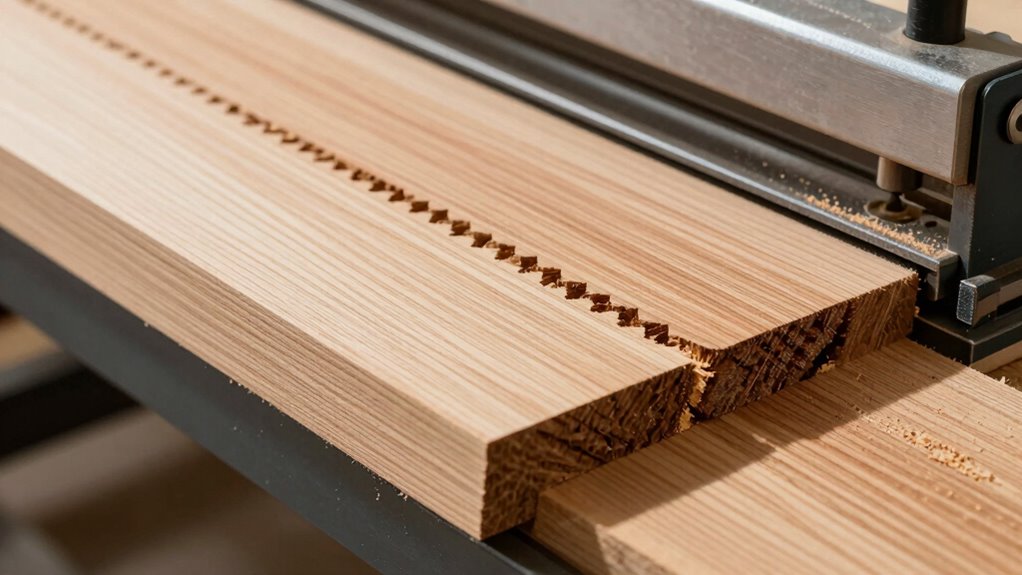
Wide boards tend to chatter during planing when the cutter head pulls unevenly or if the board’s surface isn’t perfectly supported. One common cause is incorrect grain direction; if you feed the board against the grain, the cutter head can snag or skip, creating uneven cuts and vibrations. Additionally, the cutter head’s speed and sharpness influence smoothness—dull blades increase resistance, leading to chatter. Properly aligning the grain direction ensures the cutter head cuts cleanly without pulling or tearing the wood fibers. Supporting the board securely prevents shifting that can cause uneven contact with the cutter head. When these factors aren’t managed, the cutter head pulls unevenly, causing the chatter you notice during planing. Paying attention to grain orientation and cutter head condition can considerably reduce this issue. Moreover, utilizing energy-efficient tools and techniques can help minimize power fluctuations that contribute to vibration and chatter during the process. Ensuring the proper machine setup is also essential for consistent results and to prevent unnecessary vibrations.
As an affiliate, we earn on qualifying purchases.
How Your Thickness Planer’s Capacity Limits Wide Board Planning
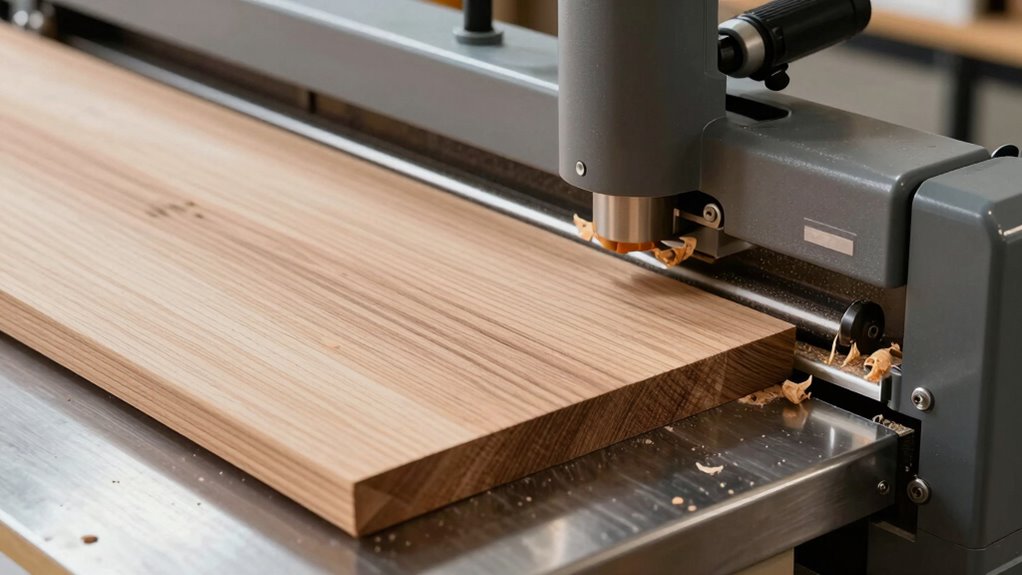
Your thickness planer’s capacity plays an essential role in determining how effectively you can plane wide boards. If the board exceeds your planer’s maximum width, you may struggle with uneven cuts or chatter, especially if the blade alignment isn’t perfect. Proper blade alignment ensures smooth, consistent cuts and reduces stress on the machine when working near its limits. Additionally, adjusting your feed rate is key; a slower, controlled feed helps prevent the planer from bogging down or causing uneven pressure, which can lead to chatter or snipe. Recognizing your planer’s capacity constraints helps you plan your cuts more effectively. When working with wide boards, avoid forcing the machine beyond its limits, and ensure blades are sharp and properly aligned for best results. Being aware of your machine’s capacity limits can help prevent damage and ensure safety during operation, especially since exceeding them can cause chatter and snipe that compromise the finish. Understanding machine capacity is also crucial for maintaining consistent quality in your woodworking projects. Additionally, knowing the limitations of your equipment helps you choose the best approach for wide board planning, including potential use of multiple passes or alternative tools.
As an affiliate, we earn on qualifying purchases.
Main Reasons Your Planer Struggles With Wide Stock
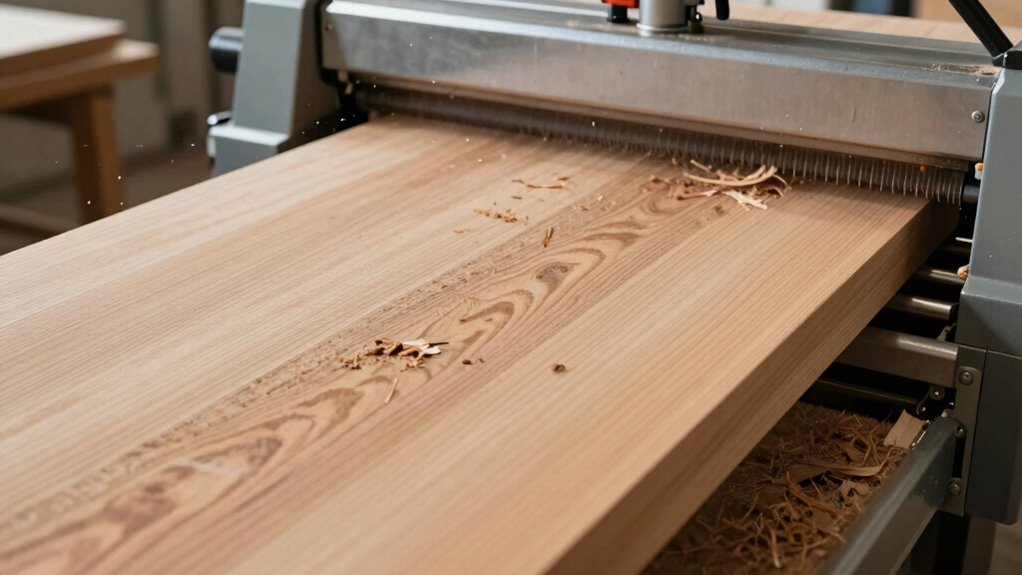
Why does a thickness planer sometimes struggle when handling large, wide boards? One main reason is inconsistent grain direction. If the grain runs against the cutter’s rotation, the planer encounters more resistance, increasing the risk of chatter or uneven cuts. Additionally, the feed rate plays a critical role. Moving the board too quickly can cause the blades to catch or skip, especially with wide stock that requires steady, even pressure. Wide boards also tend to flex or bow slightly under pressure, making it harder for the planer to maintain a uniform cut. Proper grain alignment and a consistent feed rate are essential in preventing these issues. Using proper blade sharpness is also crucial, as dull blades can exacerbate problems with wide stock. Together, grain direction and feed rate directly impact how smoothly the planer processes large, wide stock. Ensuring proper setup and technique are key to avoiding these issues.
grain direction guide for planing
As an affiliate, we earn on qualifying purchases.
As an affiliate, we earn on qualifying purchases.
Troubleshooting Chatter: Step-by-Step Fixes for Wide Boards
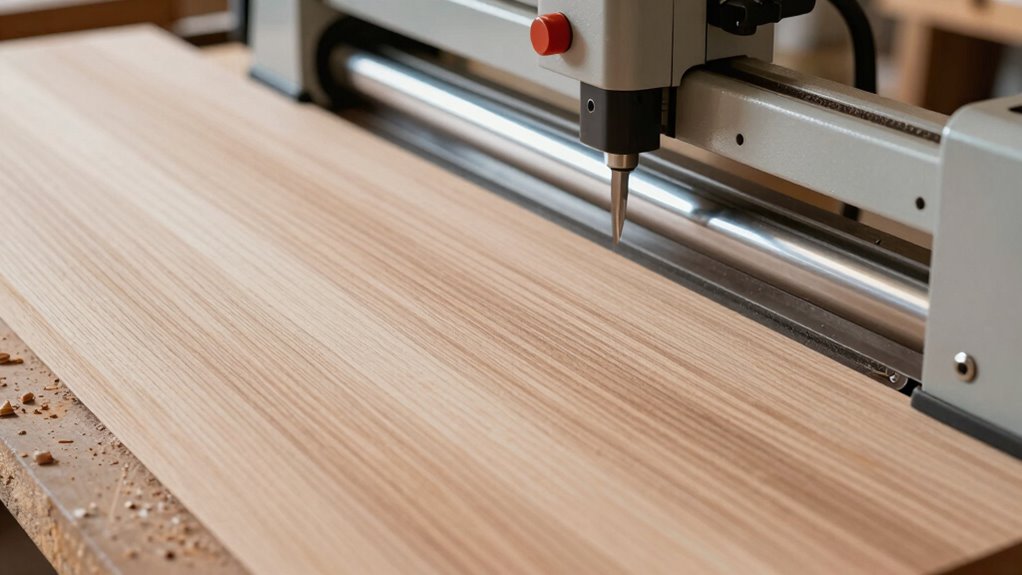
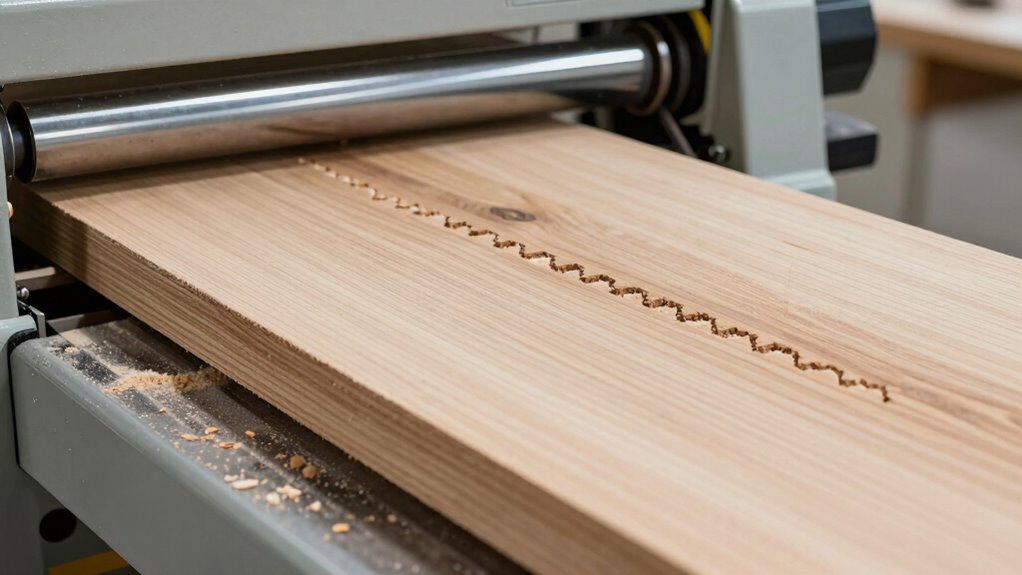
Chatter in a thickness planer often occurs when processing large boards, disrupting smooth cuts and leaving rough finishes. To fix this, follow these steps:
Chatter in a thickness planer causes rough finishes; fix it by checking grain direction, sharpening blades, and adjusting feed rate.
- Check grain direction and feed the board with the grain to reduce resistance. Proper grain orientation can significantly impact the quality of the cut. Using grain direction and understanding how it affects cutting can help prevent chatter.
- Make certain your machine calibration is accurate, especially the planer’s cutting head alignment. Ensuring machine calibration is precise can improve cutting consistency.
- Adjust feed rate—slower speeds often minimize chatter.
- Inspect and sharpen blades regularly to maintain clean cuts.
- Ensure your machine’s blade setting is correct, as improper blade height can contribute to chatter and uneven finishes. Additionally, maintaining sharp blades ensures consistent cutting quality and reduces the likelihood of issues during operation.
Practical Tips to Reduce or Eliminate Chatter in Your Planer
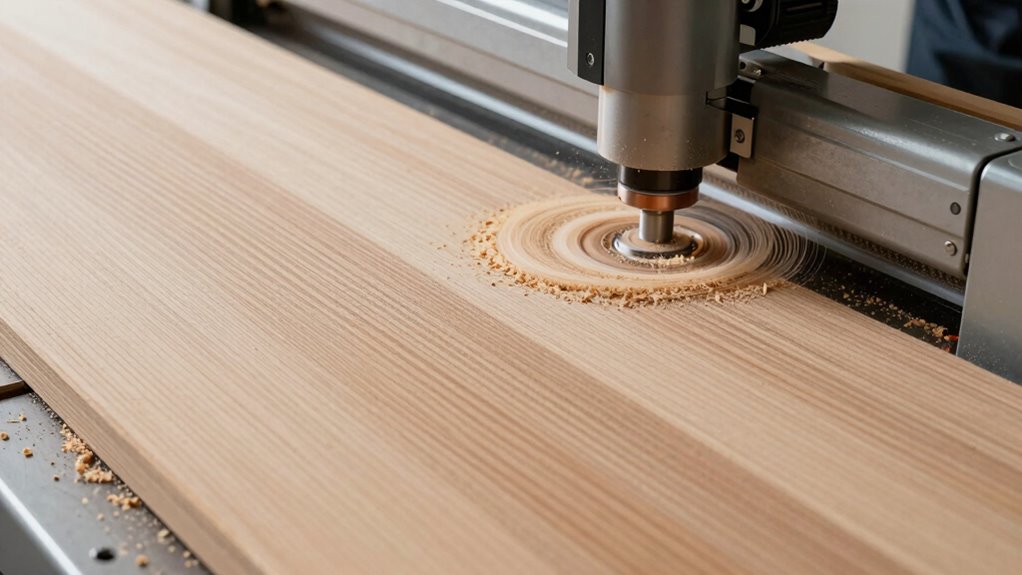
To effectively reduce or eliminate chatter in your planer, implementing practical strategies can make a significant difference. Adjust your feed rate to maintain a steady, moderate speed—too fast can cause instability, too slow may increase chatter. Always feed the board in the correct feed direction, typically with the grain, to minimize resistance. Ensuring consistent pressure and avoiding sudden feed changes also helps. Use the following table for quick reference:
| Tip | Why it helps | How to implement |
|---|---|---|
| Adjust feed rate | Prevents uneven cutting | Find a balance that feels smooth |
| Feed in the grain | Reduces resistance and chatter | Always feed with the wood’s grain |
| Maintain consistent pressure | Ensures even contact | Apply steady, moderate force |
| Feed slowly on wide boards | Prevents vibration and chatter | Reduce speed when handling large pieces |
| Use sharp blades | Achieves cleaner cuts | Regularly sharpen or replace blades |
Additionally, ensuring your planer is properly maintained and aligned can greatly reduce the chances of chatter, especially when working with free floating configurations. Properly balancing the planer and checking for any misalignments can also significantly improve results and reduce vibration. Regular planer setup, blade maintenance, and inspecting the airless paint sprayer components are crucial for optimal performance and minimizing chatter issues.
Signs It’s Time to Upgrade Your Thickness Planer
If you notice you’re consistently trying to cut wider boards or struggling with uneven surfaces, it’s a clear sign you need an upgrade. Persistent chatter during operation or dull blades that won’t sharpen easily also indicate your planer may be outdated. Recognizing these signs helps make certain your projects stay accurate and efficient. Additionally, issues with blade alignment or excessive vibration can point to mechanical wear that impacts performance. Regular maintenance and understanding equipment lifespan can help prevent unexpected failures and maintain optimal operation.
Increasing Board Widths
When you find yourself regularly working with wider boards that exceed your current planer’s capacity, it’s a clear sign you need an upgrade. Wider boards can cause issues like uneven cuts or excessive chatter, especially if grain direction and moisture content aren’t properly managed. Here are four signs to watch for:
- Boards consistently require multiple passes.
- You notice increased surface chatter or roughness.
- The planer struggles to handle the width without deflection.
- You’re constantly adjusting feed speed or pressure.
- Using a Gold IRA market can also be a sign that it’s time to reevaluate your investment strategies as your projects grow in scope and complexity.
- Additionally, if you encounter issues with machine stability during operation, it may indicate that your current planer is insufficient for your expanding woodworking needs.
Upgrading allows you to handle wider boards more efficiently and maintain consistent results. Confirm your new planer accommodates the maximum width you plan to work with, and consider features that help manage grain direction and moisture content for smoother cuts.
Persistent Surface Chatter
Persistent surface chatter is a clear sign that your thickness planer may be struggling to produce smooth cuts, often indicating it’s time for an upgrade. This issue often occurs when the feed pressure isn’t consistent or too high, causing the cutter to vibrate against the wood. Additionally, ignoring the grain direction can worsen chatter; feeding against the grain increases resistance and vibrations. When you notice uneven surface finish or noise during planing, it’s a sign your machine isn’t handling wide boards effectively. Upgrading your planer with better feed mechanisms and adjustable pressure can help minimize chatter. Always verify you’re feeding with the grain and applying appropriate pressure to improve cut quality. Recognizing these signs early prevents damage to your boards and reduces frustration. Paying attention to wave and wind effects can help you better understand and manage vibrations during planing.
Dull or Worn Blades
Dull or worn blades are a clear indicator that it’s time to upgrade your thickness planer. When blade sharpness diminishes, expect rougher cuts and increased resistance. You may also notice a reduction in feed rate, as dull blades struggle to cut smoothly. Here are four signs to watch for:
- Surface ripples or tear-out on the finished board
- Excessive noise during operation
- Increased effort needed to feed material
- Visible nicks or dull edges on the blades
If you observe these issues, it’s likely time to replace or sharpen your blades. Maintaining sharp blades ensures excellent blade performance, preserves a consistent feed rate, and produces smoother, professional results. Upgrading your blades restores efficiency and quality to your woodworking projects.
Common Mistakes That Lead to Chatter and How to Avoid Them
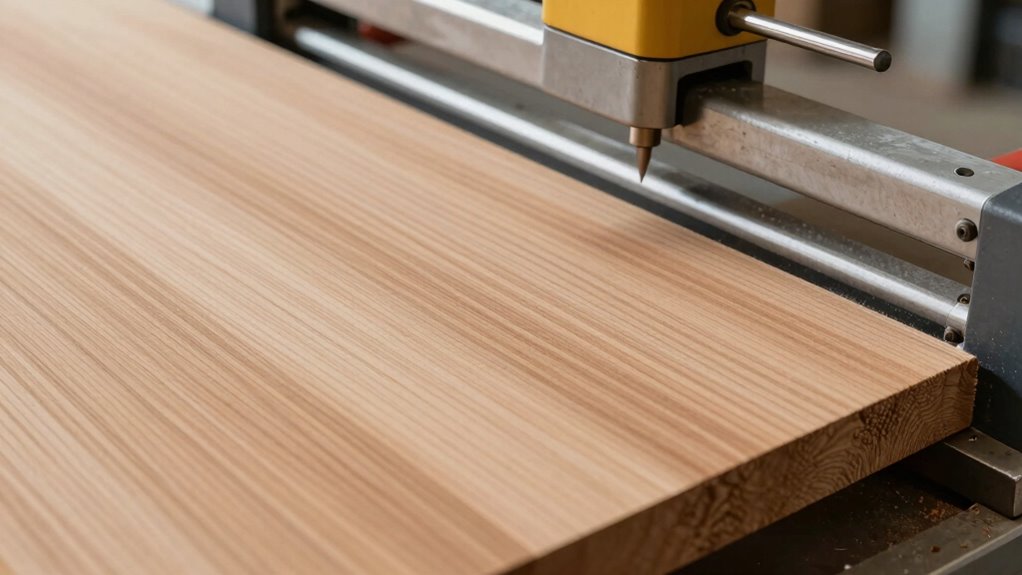
Chatter in a thickness planer often results from common mistakes that can be easily overlooked. One major cause is improper blade alignment; if the blades aren’t correctly aligned, they can cause uneven cuts that lead to chatter, especially on wider boards. Always double-check and adjust blade alignment before starting your cut. Another mistake is setting the feed rate too high. Feeding the board too quickly can cause the blades to struggle, resulting in vibrations and chatter. To avoid this, maintain a steady, moderate feed rate that allows the blades to cut smoothly. By ensuring blades are properly aligned and controlling your feed rate, you reduce the chances of chatter and achieve cleaner, more consistent results on wide boards.
Frequently Asked Questions
Can Blade Sharpness Affect Chatter on Wide Boards?
Yes, blade sharpness can affect chatter on wide boards. Dull blades require more force, causing uneven cuts and vibrations. Regular blade maintenance keeps edges sharp, reducing chatter. Additionally, you should check your planer adjustments—proper feed rate and cutter height help smooth the cut. When blades are sharp and your planer is well-tuned, you’ll experience less chatter, resulting in cleaner, more consistent wide board surfaces.
How Does Feed Rate Influence Board Chatter?
Increasing your feed rate can reduce board chatter because it helps maintain board stability during planning. When you feed the board too slowly, it may vibrate or wobble, causing chattering. Conversely, a faster feed rate applies consistent pressure, minimizing vibrations and ensuring smoother cuts. Just be careful not to go too fast, as that can lead to tear-out or uneven surfaces. Find the right balance for best results.
Does Humidity Impact Wide Board Planing Performance?
Like an old knight’s armor, humidity can hinder your wide board planing. High moisture content from the drying process causes wood to swell, making it harder for the planer to cut smoothly. When humidity fluctuates, boards become uneven, increasing chatter. To prevent this, make certain your boards are properly dried and acclimated to your workshop’s environment. This way, you’ll achieve cleaner cuts and better surface quality on your wide planks.
Are There Specific Wood Species Prone to Chatter?
Yes, certain wood species are more prone to chatter due to species variability and grain orientation. Hardwoods like oak or maple often chatter because of their grain patterns, while softer woods like pine tend to cut more smoothly. Grain orientation plays a vital role; boards with irregular or end-grain exposure are more likely to chatter during planing. Knowing these factors helps you adjust your technique and planer settings for better results.
Can Adding a Feed Roller Reduce Chatter Issues?
Back in the day, a trusty feed roller can indeed help reduce chatter. By applying consistent pressure, it stabilizes wide boards, preventing vibrations as they pass through the planer. Adding a feed roller improves chatter reduction because it keeps the board firmly engaged, ensuring smoother cuts. Keep in mind, proper setup and blade sharpness are essential, but a well-placed feed roller can make a noticeable difference in your finish.
Conclusion
Understanding why wide boards chatter helps you avoid frustrating snags and keeps your projects running smoothly. Remember, pushing your planer beyond its limits is like trying to fit a square peg in a round hole — it just won’t work! By troubleshooting issues and following practical tips, you can tame even the wildest boards. With patience and the right tools, you’ll turn your woodworking dreams into reality faster than you can say “smooth as butter.”
Fall yard work Picks
leaf blowers
As an affiliate, we earn on qualifying purchases.