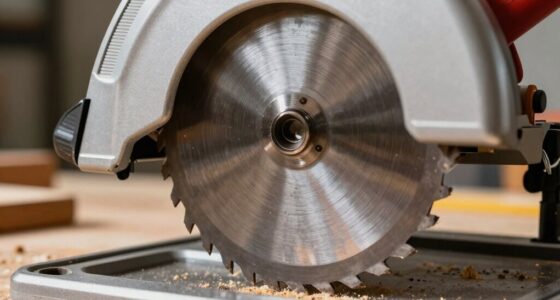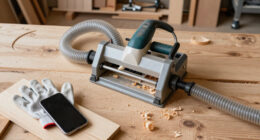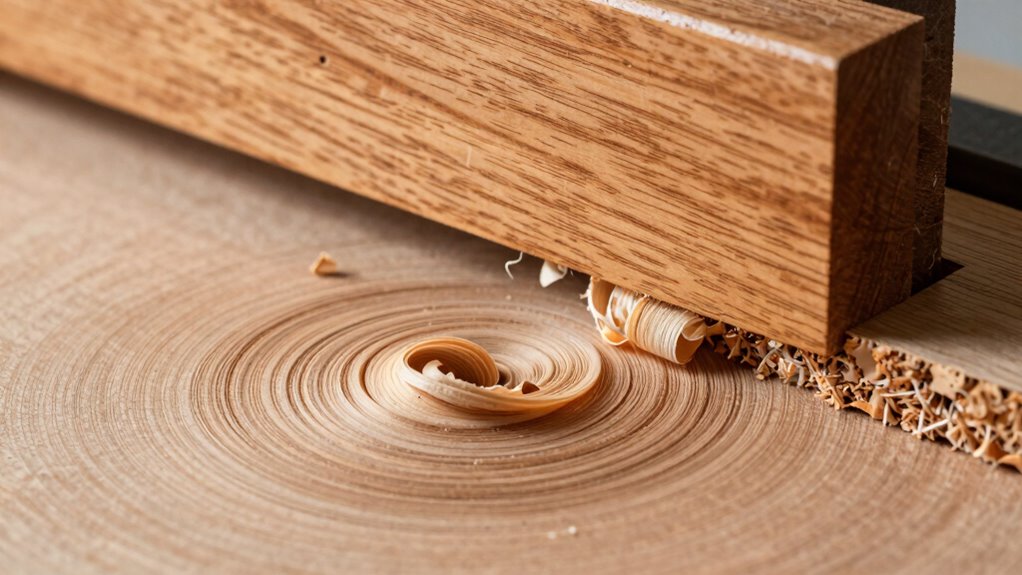

On planers, the feed rate is how quickly your material moves through the blades. If the feed rate is too fast, it can cause rough surfaces, chatter marks, or uneven finishes. Going too slow may lead to burn marks or blade wear. Finding the right balance helps guarantee smooth, professional results. Your surface quality depends on setting the correct feed rate, and if you keep exploring, you’ll discover how to optimize it for different materials and conditions.
Open a free Amazon Business account
Business pricing, bulk buying and tax-exempt orders.
As an affiliate, we earn on qualifying purchases.
Key Takeaways
- Feed rate on planers refers to the speed at which the workpiece moves through the cutting blades.
- An improper feed rate causes surface roughness, chatter marks, or burn marks, affecting finish quality.
- Adjusting feed rate influences cutting speed and cutter engagement, impacting surface smoothness.
- Material properties, cutter sharpness, and workpiece density determine optimal feed rate for best surface finish.
- Proper feed rate management ensures a balanced cut, reducing vibrations and maintaining high surface quality.
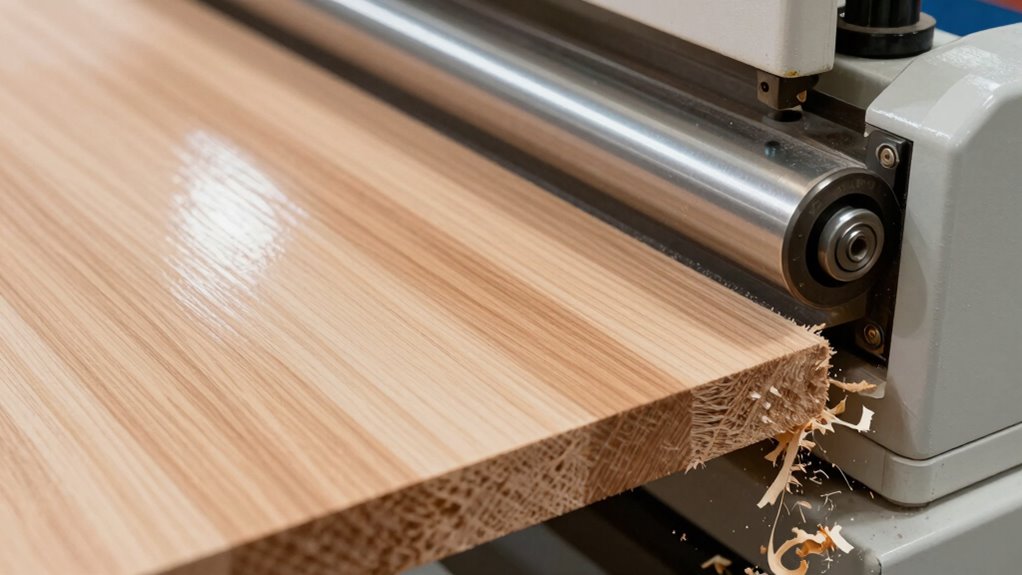
Have you ever wondered how the speed at which you feed material through a planer affects the surface finish? Your answer lies in understanding the importance of feed rate. When you feed wood or other materials through a planer, the rate at which you push or feed the material directly impacts the surface quality. This is because feed rate influences cutting speed, which is the rate at which the cutter engages the material. If you feed too quickly, the cutter may not remove material smoothly, causing roughness, chatter marks, or uneven surfaces. Conversely, feeding too slowly can result in burn marks or excessive wear on the blades. Striking the right balance is crucial for achieving a smooth, professional finish. Proper feed adjustment ensures that the cutting parameters remain within the optimal range for your specific material and tooling. When you optimize your feed rate, you help maintain the cutter’s ideal cutting speed, which allows for cleaner cuts and reduces the likelihood of surface imperfections. An overly fast feed rate causes the cutter to struggle, generating heat and vibrations that compromise the surface finish. On the other hand, a very slow feed can lead to overworked blades and potential damage to the workpiece, which also affects the surface quality negatively. The goal is to find that sweet spot where the material moves steadily through the planer, allowing the cutter to work efficiently without strain or chatter. Additionally, understanding the material properties can help you better determine the optimal feed rate for different types of wood or composite materials. This understanding is especially important because material hardness varies widely among different woods, influencing how quickly you can feed the material without sacrificing quality. Adjusting your feed rate isn’t just about speed; it’s about understanding how it interacts with other factors like cutter sharpness, feed pressure, and wood density. For softer woods, you can usually increase the feed rate without sacrificing surface quality, but for harder materials, slowing down is often necessary. Many professionals recommend starting with manufacturer guidelines and then fine-tuning based on the material’s response. By doing so, you’re practicing feed optimization—maximizing productivity while maintaining a high-quality surface finish.
As an affiliate, we earn on qualifying purchases.
Frequently Asked Questions
How Do Different Wood Types Affect Optimal Feed Rates?
Different wood types impact ideal feed rates because of their density and grain orientation. For denser woods, you should reduce the feed rate to prevent tear-out and achieve a smooth surface. Conversely, softer woods allow for a higher feed rate without sacrificing quality. Always consider grain orientation, as cutting against the grain may require a slower feed rate to maintain surface finish. Adjust accordingly for best results.
Can Adjusting Feed Rate Prevent Planer Snipe?
Adjusting the feed rate can help prevent planer snipe, but it’s not a guaranteed fix. Slowing down the feed rate allows the blades to cut more smoothly and evenly, reducing snipe. However, other factors like blade sharpness and proper support are also critical. Experiment with small feed rate adjustments and guarantee your workpiece is well-supported to optimize planer snipe prevention effectively.
What Are Signs of Excessive Feed Rate Damage?
Signs of excessive feed rate damage include rough or uneven surface finish, noticeable snipe marks, and increased tool wear. You might also observe torn or chipped wood, which indicates the feed rate calibration is too high. To avoid these issues, make certain proper operator training and adjust the feed rate accordingly. Regularly monitoring and fine-tuning the feed rate helps maintain surface quality and extends your planer’s lifespan.
How Does Feed Rate Impact Planer Blade Lifespan?
A higher feed rate accelerates blade wear because the blades encounter more material in less time, increasing stress and reducing lifespan. Excessive feed pressure, often linked to a fast feed rate, further amplifies blade wear. To extend your planer blade lifespan, maintain ideal feed pressure and avoid rushing through cuts. Proper feed rate ensures less blade damage, better surface quality, and longer-lasting blades, saving you money and time over the long run.
Is There a Recommended Feed Rate for Finishing Passes?
Think of your finishing pass as the final brushstroke on a masterpiece. For the best surface finish quality, keep your feed rate variations slow and steady, typically around 1 to 2 feet per minute. A consistent, gentle feed rate minimizes vibrations and chatter, ensuring a smooth, professional surface. Adjust based on your material and machine, but err on the side of caution for superior results.
As an affiliate, we earn on qualifying purchases.
Conclusion
Understanding the feed rate on planers is essential—you hold the power to transform rough lumber into a perfectly smooth masterpiece. Adjust it wisely, and you’ll reveal flawless surfaces that seem almost magical. Remember, even a tiny change can make your project go from a disaster to a stunning work of art. So, don’t underestimate the power of your feed rate; it’s the secret weapon in your woodworking arsenal that could elevate your craftsmanship to legendary status!
As an affiliate, we earn on qualifying purchases.
As an affiliate, we earn on qualifying purchases.
Fall Picks
fall essentials
As an affiliate, we earn on qualifying purchases.