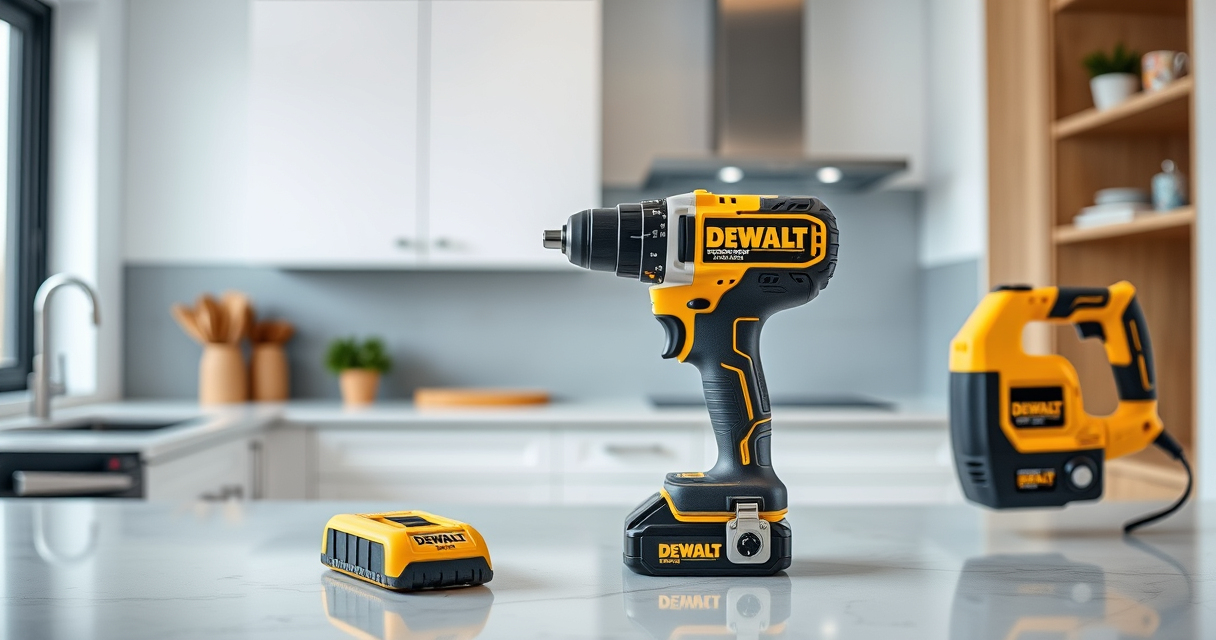
If your DEWALT power tool isn’t charging properly, it can halt your projects and cause frustration. This guide walks you through practical troubleshooting steps to identify and fix common charging issues, ensuring your tool is ready when you need it.

Get tools and workshop supplies delivered free — and shop member deals
- Fast, free delivery on millions of items
- Access to Prime Big Deal Days deals on October 6–7
- Prime Video, Amazon Music and more included
Always follow safety precautions when working with batteries and electrical components. Let’s get your DEWALT tool back in action efficiently and safely.
Key Takeaways
| Battery Connection | Ensure the battery is properly seated and contacts are clean. |
| Charger Functionality | Verify the charger is working by testing with a different compatible battery. |
| Battery Health | Check if the battery is old or damaged and needs replacement. |
| Electrical Contacts | Clean battery and charger contacts to remove corrosion or debris. |
| Power Source | Make sure the outlet or power strip is functioning correctly. |
Step 1: Inspect the Battery and Charger
- Remove the battery from your DEWALT tool and examine the contacts for dirt, debris, or corrosion. Clean gently with a dry cloth or a soft-bristled brush.
- Test the charger with a different compatible battery to see if it charges properly. If the other battery charges, your original battery may be faulty.
Step 2: Check Power and Connections
Ensure the power outlet is working. Plug the charger into a different outlet or power strip. Confirm the charger’s LED indicators light up appropriately when plugged in.
Step 3: Test and Evaluate the Battery
If the battery is old or has been heavily used, it might have lost its ability to hold a charge. Consider testing with a new or fully charged replacement battery, such as the DEWALT 20V MAX 5 Ah Lithium Ion Battery.
Step 4: Use Proper Storage and Charging Habits
- Store batteries in a cool, dry place away from direct sunlight.
- Avoid leaving batteries in the charger for extended periods after they are fully charged.
Step 5: Replace Faulty Components
If all above steps fail, the battery or charger may be defective. Replace the battery with a compatible one, like the DEWALT 20V MAX 5 Ah Lithium Ion Battery, or consider servicing the charger if it’s under warranty.
The Products in This Guide

DEWALT 20V MAX Cordless Drill Driver Set
- ✔ Chuck Size: 1/2 inch
- ✔ Speed: 2-speed transmission
- ✔ Use: Drilling and fastening

DEWALT Drill Bit Set
- ✔ Size Range: Various
- ✔ Tip Type: Split point
- ✔ Suitable For: Plastic, wood, metal
DEWALT 20V MAX Cordless Drill Driver Set
The DEWALT 20V MAX Cordless Drill Driver Set is a robust tool designed for durability and performance. If your battery isn’t charging, following these troubleshooting steps can help restore power and efficiency.
Pros:
- High-capacity 2.0 Ah batteries
- Brushless motor for longer run time
- Compact and lightweight design
- LED work light for dim areas
Cons:
- Battery charging issues can be due to external factors
- Charger may need replacement if faulty
- Battery lifespan varies with usage
Best for: DIY enthusiasts and professionals needing reliable cordless power
Not ideal for: If the battery or charger is physically damaged or very old
Bottom line: A versatile, durable drill that benefits from proper battery and charger maintenance.
DEWALT Drill Bit Set
Pair your DEWALT drill with this 14-piece drill bit set, featuring high-speed steel and a split point tip for precision and durability. It’s ideal for various materials and enhances your tool’s capabilities.
Pros:
- Made of durable high-speed steel
- Split point reduces walking
- Easy size identification
- Suitable for multiple materials
Cons:
- Limited to drilling bits, not for heavy-duty tasks
- Requires proper storage to prevent rust
- Bits may wear over time
Best for: General-purpose drilling in wood, plastic, and metal
Not ideal for: Heavy industrial use or very hard materials
Bottom line: A versatile drill bit set that complements your DEWALT drill for various tasks.
Frequently Asked Questions
Why isn’t my DEWALT battery charging?
Common reasons include dirty contacts, faulty charger, old or damaged battery, or electrical issues. Follow the troubleshooting steps to identify the cause.
How do I clean the battery contacts?
Use a dry cloth or a soft-bristled brush to gently remove dirt, dust, or corrosion from the contacts. Avoid using liquids or abrasive materials.
Can I leave my battery on the charger overnight?
It’s best to disconnect once fully charged to prolong battery life. Modern chargers typically have auto shut-off features.
When should I replace my DEWALT battery?
If the battery no longer holds a charge or shows signs of damage, replacement is recommended. Consider upgrading to a higher-capacity model for longer runtime.
Keeping Your DEWALT Power Tools in Top Condition
Regular maintenance and proper handling can extend the life of your DEWALT batteries and chargers. If issues persist despite troubleshooting, consider professional service or replacement parts. Staying proactive ensures your tools remain reliable for all your projects.
Affiliate disclosure: As an Amazon Associate we earn from qualifying purchases. Prices and availability are accurate as of the time of publishing.
Halloween Picks
halloween
As an affiliate, we earn on qualifying purchases.