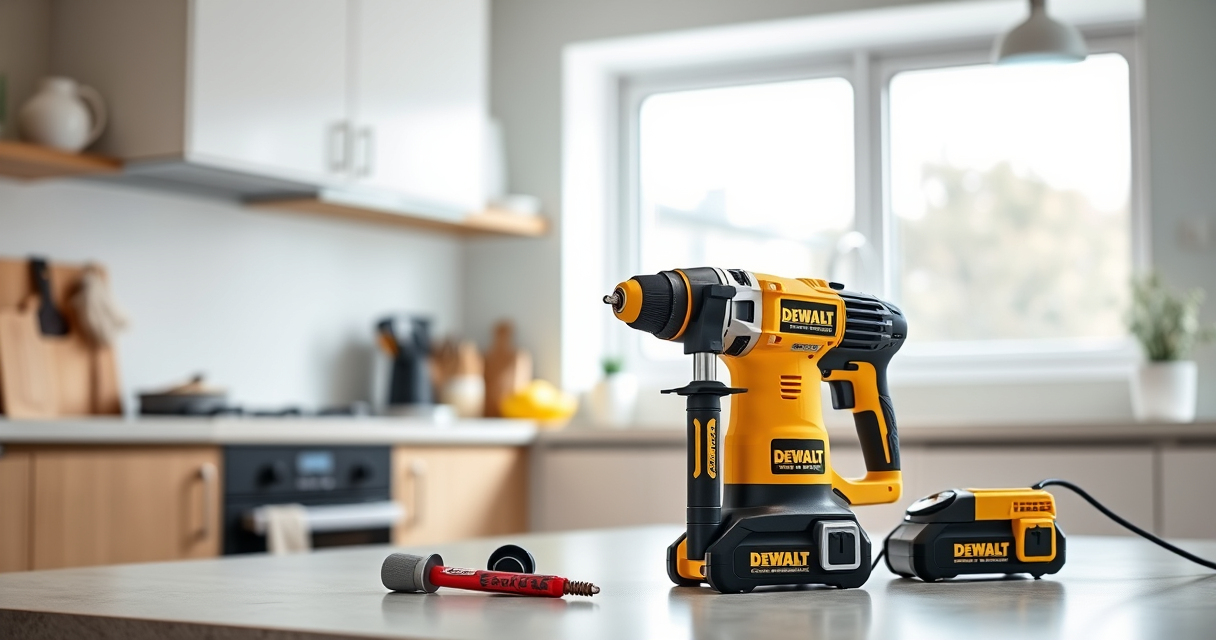

Keeping your DEWALT ATOMIC Drill in top condition is essential for maintaining its performance and extending its lifespan. Proper cleaning removes dust, debris, and buildup that can impair operation or cause damage. This guide provides clear, practical steps for safely cleaning your drill, along with useful tips and warnings to help you avoid common pitfalls.

Get business pricing on tools and workshop supplies
- Business-only prices and quantity discounts
- Tax-exempt purchasing
- Multiple users, one account, clear invoices
Whether after a tough job or routine maintenance, following these instructions will help keep your DEWALT drill working smoothly in any workspace.
Key Takeaways
| Routine cleaning extends drill life | Regular cleaning prevents dust buildup that can impair performance. |
| Use appropriate tools | Soft brushes and compressed air are recommended for safe cleaning. |
| Safety first | Always disconnect the battery before cleaning to avoid accidental activation. |
| Avoid moisture | Keep the drill dry; do not submerge or expose to water. |
| Check for damage | Inspect for worn or damaged parts during cleaning. |
Preparation Before Cleaning
- Ensure the drill is turned off and remove the battery from the tool to prevent accidental activation.
- Work in a well-ventilated area away from moisture or liquids.
- Gather cleaning tools: a soft brush, compressed air, a damp cloth, and mild cleaning solution if necessary.
Cleaning the Exterior
- Use a dry or slightly damp cloth to wipe down the outer surface, avoiding any openings or electronic components.
- For stubborn dirt, lightly dampen the cloth with water or a mild cleaning solution. Never spray directly onto the drill.
- Use a soft brush to clean around vents, switches, and the chuck area.
Cleaning the Chuck and Bits
- Remove the drill bit or accessory from the chuck.
- Use a soft brush or cloth to clean debris from the chuck jaws.
- If the chuck is particularly dirty, use compressed air to blow out dust and debris.
Cleaning Internal Components (Optional)
If you’re comfortable and experienced, you can carefully clean the internal parts. Otherwise, it’s best to have a professional service this.
- Use compressed air to blow dust from vents and accessible internal areas.
- Avoid using liquids or disassembling the motor or electronics.
Final Checks and Reassembly
- Ensure all parts are dry before reassembling.
- Inspect the drill for damage or wear, especially the cord and battery contacts.
- Reinsert the battery and test the drill to confirm proper operation.
The Products in This Guide

DEWALT 20V MAX Cordless Drill Driver Set
- ✔ Battery Included: Yes
- ✔ LED Light: Yes
- ✔ Brushless Motor: Yes

DEWALT Drill Bit Set
- ✔ Number of Pieces: 14
- ✔ Tip Type: Split point
- ✔ Coating: Black and gold
DEWALT 20V MAX Cordless Drill Driver Set
The DEWALT 20V MAX Cordless Drill Driver Set is a powerful, brushless tool designed for durability and efficiency. Regular cleaning ensures it remains in peak condition, especially given its compact size and high-performance motor.
Pros:
- Brushless motor for longer run time
- Lightweight and ergonomic design
- LED light for visibility
- 2-speed transmission for versatile tasks
Cons:
- Battery life depends on usage
- Chuck may require occasional cleaning for smooth operation
- Limited to 1/2 inch chuck size
Best for: General-purpose drilling and fastening in tight spaces
Not ideal for: Heavy-duty industrial applications requiring more power
Bottom line: A reliable, lightweight drill that benefits from regular cleaning for optimal performance.
DEWALT Drill Bit Set
Pair your cleaned DEWALT drill with this durable drill bit set, featuring 14 bits with a 135-degree split point for clean starts across various materials.
Pros:
- High-speed steel construction
- Reduced walking with split point tip
- Easy size identification
- Corrosion-resistant coating
Cons:
- Limited to specific bit sizes
- Not suitable for heavy-duty drilling
- Requires proper storage
Best for: Versatile drilling in plastic, wood, and metal
Not ideal for: Heavy industrial drilling tasks
Bottom line: A reliable set that complements your DEWALT drill for everyday tasks.
Frequently Asked Questions
Can I clean my DEWALT drill with water?
No, avoid using water or any liquids directly on the drill. Use a damp cloth and ensure the tool is completely dry before reassembling or use.
Is compressed air safe for cleaning the internal parts?
Yes, compressed air is a safe and effective way to blow dust from vents and accessible areas, but avoid disassembling the motor or electronics.
How often should I clean my drill?
Perform a light cleaning after each use, especially if used in dusty environments. Deep cleaning can be scheduled monthly or after heavy-duty projects.
Can I disassemble my DEWALT drill for internal cleaning?
Disassembly is not recommended unless you are experienced with power tools. For internal cleaning, consult a professional or authorized service center.
Maintaining Your Drill for Long-Lasting Performance
Regular cleaning of your DEWALT ATOMIC Drill ensures it stays in prime condition, providing reliable performance for years to come. Follow these simple steps to keep dust and debris at bay, and always prioritize safety by disconnecting the battery before cleaning. With proper care, your investment will continue to deliver powerful results whenever you need it.
Affiliate disclosure: As an Amazon Associate we earn from qualifying purchases. Prices and availability are accurate as of the time of publishing.
Fall yard work Picks
leaf blowers
As an affiliate, we earn on qualifying purchases.